45
ifm Device Manual IO-Link Master with PROFINET interface CabinetLine 8 Ports IP 20 (AL1900) 05 / 2018
Configuration IoT Core
8.3.1 Configure IoT interface
16540
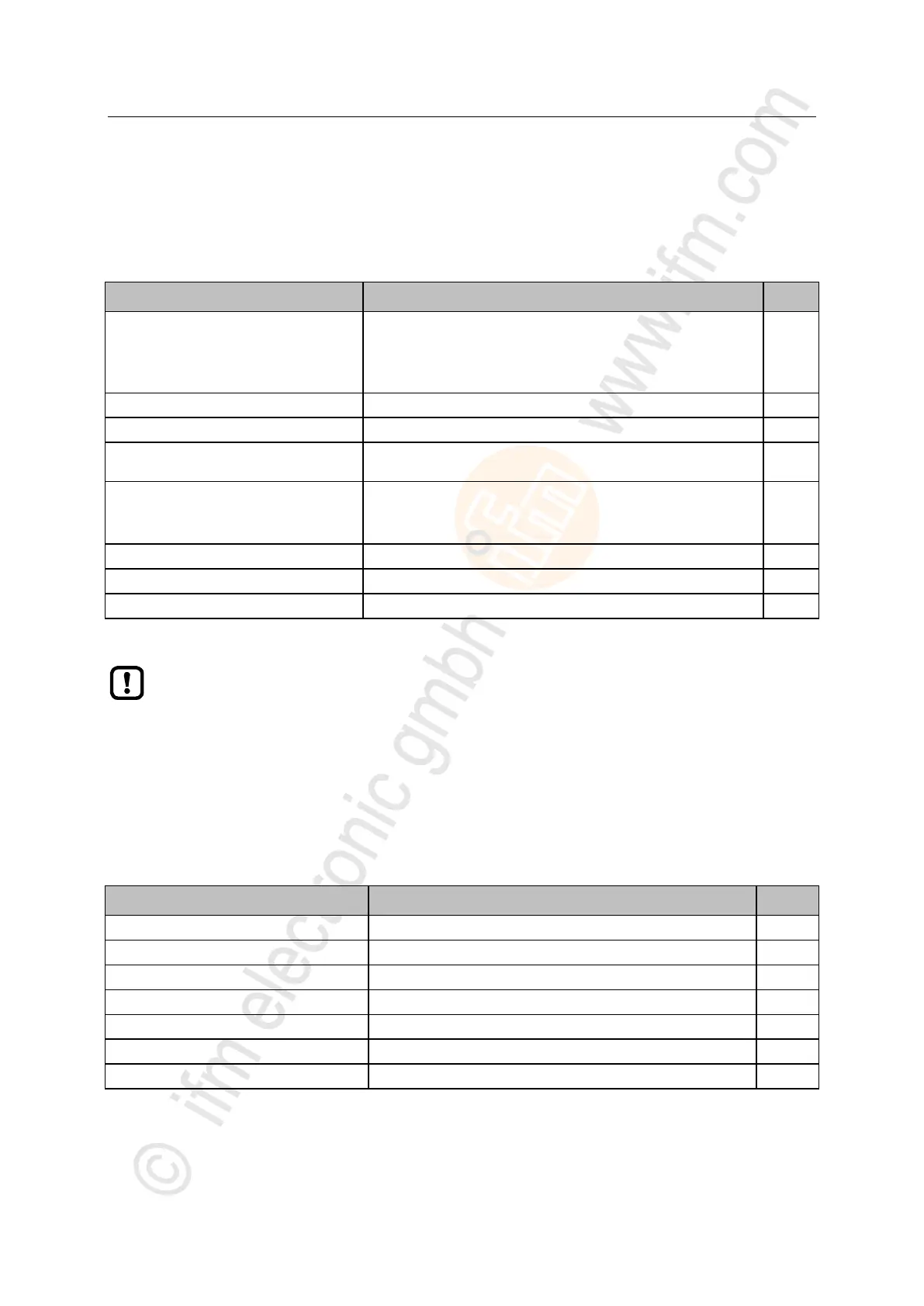
The parameters of the IoT port X23 are saved in the iotsetup substructure. The user can access the
following data points:
Access rights to the IO-Link master
0 = PROFINET + IoT
1 = PROFINET + IoT (read only)
2 = IoT only
IP address of the LR SMARTOBSERVER
Port number of the LR SMARTOBSERVER
Cycle time for data transmission to LR SMARTOBERVER (value in
milliseconds)
Configuration of the IP settings of the IoT port
0 = STATIC_IP/OFF
1 = DHCP/ON
iotsetup/network/ipaddress
IP address of the IoT port
iotsetup/network/subnetmask
Subnet mask of the network segment
iotsetup/network/ipdefaultgateway
IP address of the network gateway
rw ... read and write
Data point [iotsetup/accessrights]:
Different parameter settings in the PROFINET projection software and the IoT applications
can result in undesired system behaviour. The values set in the PROFINET projection
software apply.
>
8.3.2 Configure the fieldbus interface
12741
The parameter of the fieldbus interface (ports X21/X22) are stored in the sub-structure
fieldbussetup. The user can access the following data points:
Name of the IO-Link master in the fieldbus project
fieldbussetup/fieldbusfirmware
Firmware version of the IO-Link master
fieldbussetup/network/macaddress
MAC address of the fieldbus interface
fieldbussetup/network/ipaddress
IP address of the fieldbus interface
fieldbussetup/network/subnetmask
Subnet mask of the network segment
fieldbussetup/network/ipdefaultgateway
IP address of the network gateway
fieldbussetup/connectionstatus
Status of the connection to the PROFINET network
r ... read only
rw ... read and write
>


 To Next Page