35
ifm Device Manual IO-Link Master with PROFINET interface CabinetLine 8 Ports IP 20 (AL1900) 05 / 2018
Configuration PROFINET
>
8.2.1 Install GSD file
22410
To represent the AL1900 in a field bus projection software (e.g. STEP 7), ifm provides a GSD file. The
user can download the GSD file from the ifm website (→ (www.ifm.com)). In the GSD file, all
parameters, process data, and their valid value ranges are defined.
To add the AL1900 to the STEP 7 hardware catalogue:
► Download GSD file of the AL1900 from the ifm website.
► Start STEP 7 application "HW Config".
► Select [Options] > [Install GSD files…].
> The [Install GSD files] window appears.
► Click on [Browse …].
► Select the GSD file of the AL1900 and click on [OK] to adopt the file.
> The selected GSD file appears in the list.
► Select the GSD file in the list and click on [Install].
> STEP 7 installs the GSD file and adds the IO-Link master to the hardware catalogue.
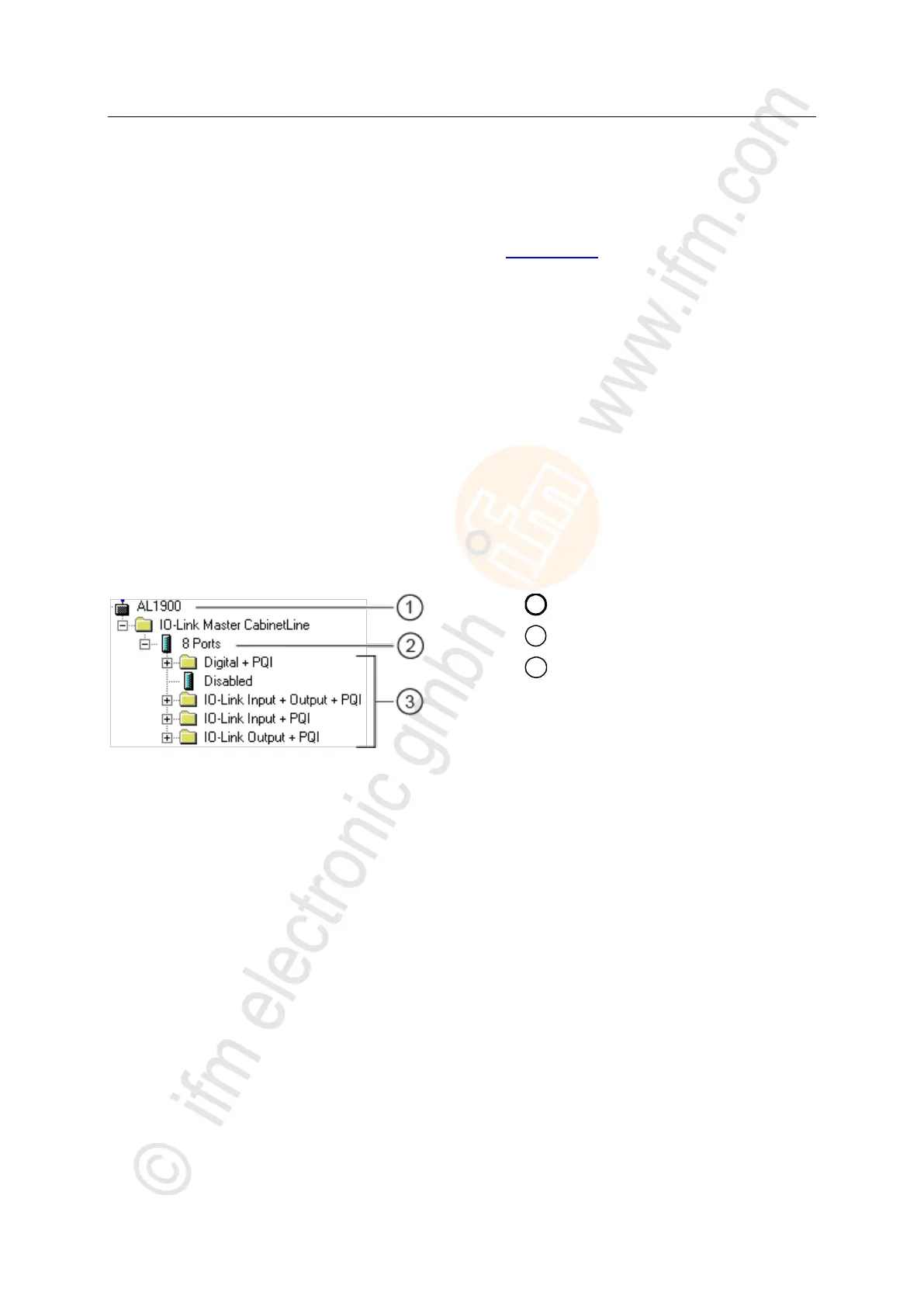
After installation of the GSD file, the AL1900 is in the hardware catalogue in the following folder:
> [PROFINET IO] > [Addiotional Field Devices] > [IO] > [ifm electronic]


 To Next Page