22
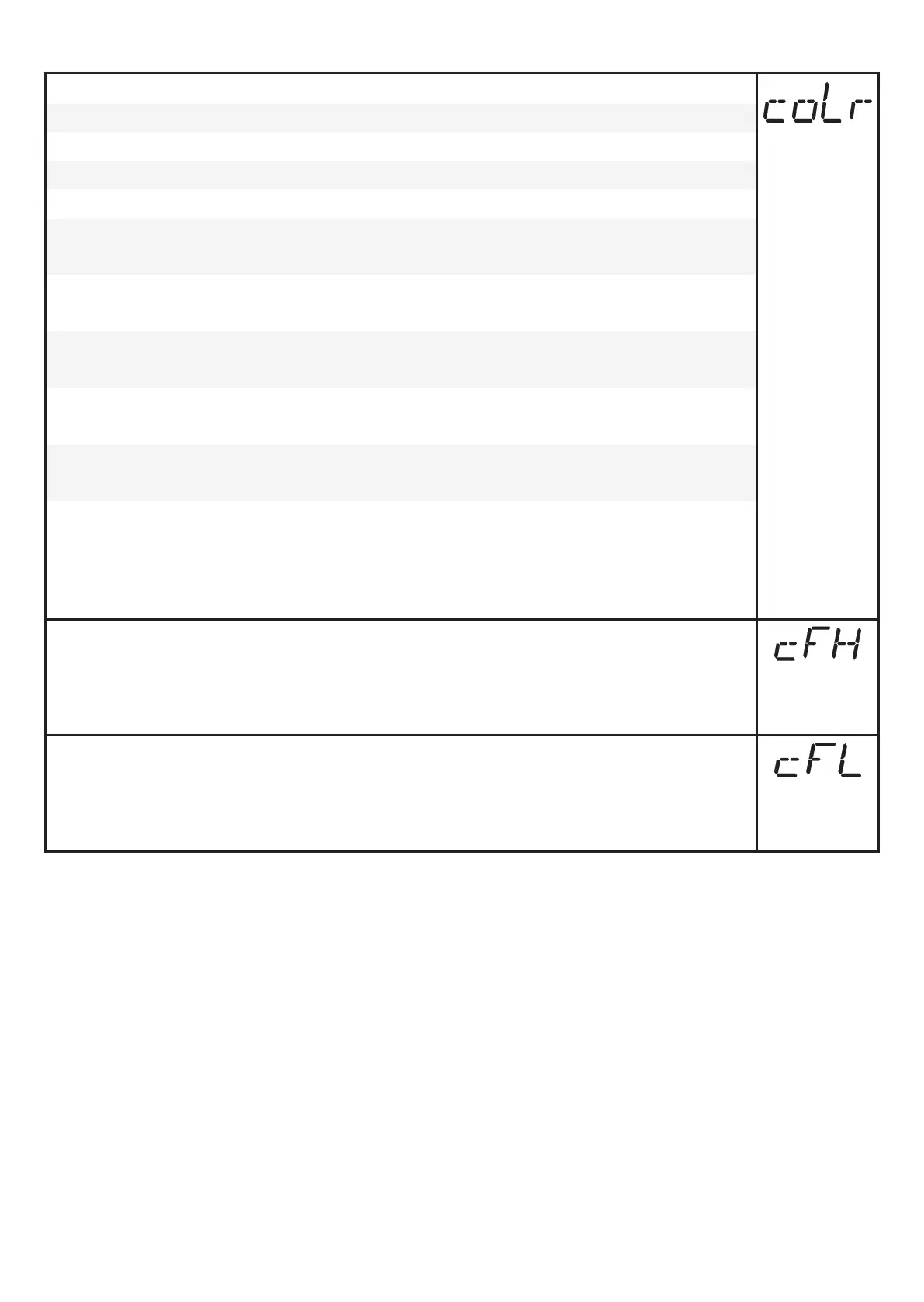
9.5.7 Set colour change of the display
► Select [coLr] and set the function:
- [rEd] = display colour red (independent of the measured value)�
- [GrEn] = display colour green (independent of the measured value)�
- [r1ou] = display colour red when OUT1 switches�
- [G1ou] = display colour green when OUT1 switches�
- [r2ou] = Display colour red when OUT2 switches ([ou2] = [Hxx] /
[Fxx])�
- [G2ou] = Display colour green when OUT2 switches ([ou2] = [Hxx] /
[Fxx])�
- [r-12] = Display colour red when the measured value is between the
limit values of OUT1 and OUT2 ([ou2] = [Hxx] / [Fxx])�
- [G-12] = Display colour green when the measured value is between
the limits of OUT1 and OUT2 ([ou2] = [Hxx] / [Fxx])�
- [r-cF] = Display colour red when the measured value is between the
freely definable limits [cFH]*
)
and [cFL]*
)
�
- [G-cF] = Display colour green when the measured value is between
the freely definable limits [cFH]*
)
and [cFL]*
)
�
*
)
The parameters [cFH] and [cFL] can only be selected in the menu tree if
[r-cF] or [G-cF] has been activated�
► Select [cFH] and set the upper limit
(only possible if [r-cF] or [G-cF] has been activated)�
> The setting range corresponds to the measuring range and its minimum
limit is [cFL]�
► Select [cFL] and set the lower limit
(only possible if [r-cF] or [G-cF] has been activated)�
> The setting range corresponds to the measuring range and its maximum
limit is [cFH]�




 To Next Page