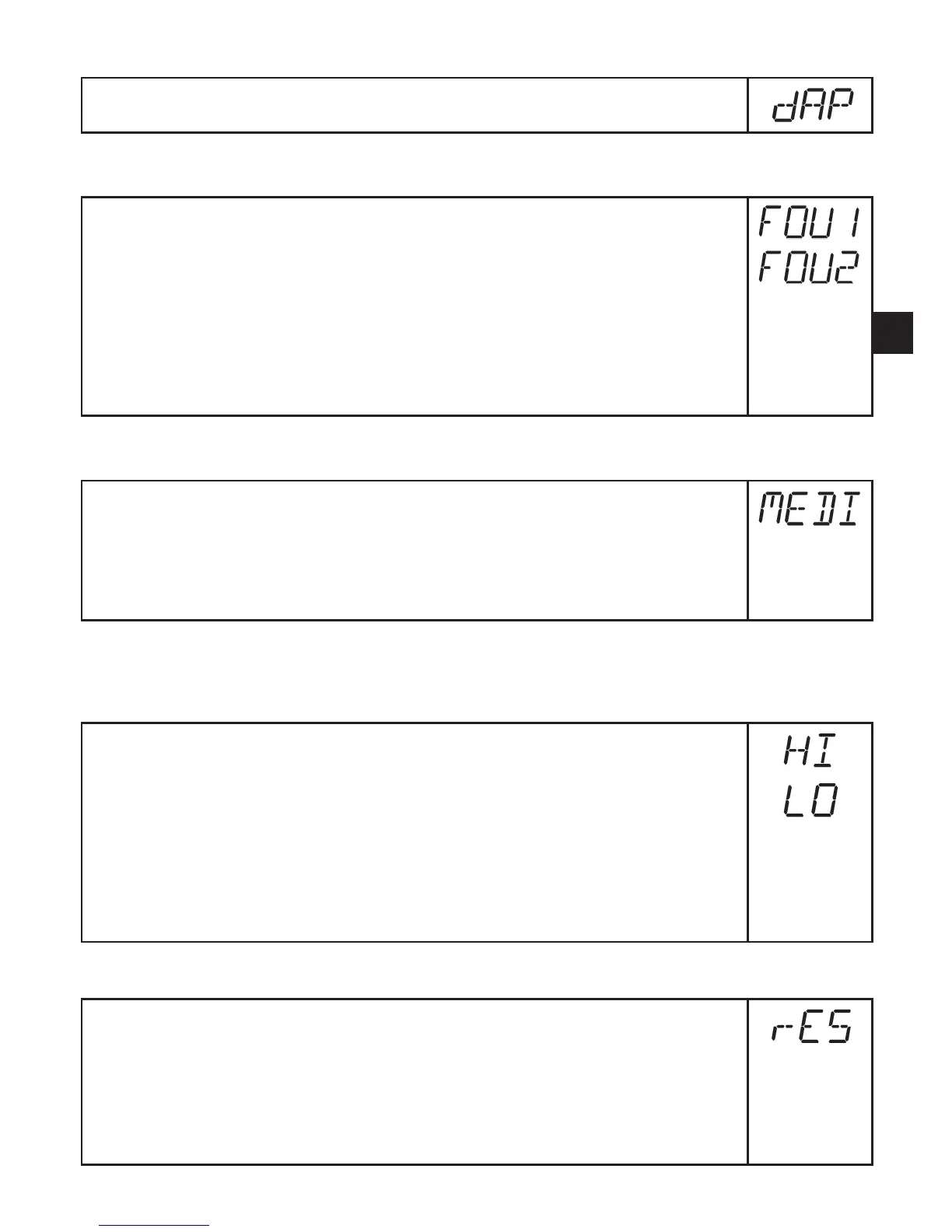
10.5.7 Set measured value damping
► Select [dAP] and set the damping constant in seconds (τ value 63 %).
10.5.8 Set output status in fault condition
► Select [FOU1] and set the value:
- [On] = output 1 switches ON in case of an error�
- [OFF] = output 1 switches OFF in case of a fault�
► Select [FOU2] and set the value:
- [On] = output 2 switches ON in case of a fault, the analogue signal
goes to the upper final value�
- [OFF] = output 2 switches OFF in case of a fault, the analogue signal
goes to the lower final value�
10.5.9 Select the medium to be monitored
► Select [MEDI] and set the requested medium:
- [H2O] = water
- [GLYC] = glycol solutions
- [OIL�1] = High viscosity oil (viscosity: 30���68 mm²/s at 40°C)
- [OIL�2] = Low viscosity oil (viscosity: 7���40 mm²/s at 40°C)
10.6 Service functions
10.6.1 Read min/max values for volumetric flow
► Select [HI] or [Lo], briefly press [Set]�
[HI] = maximum value, [Lo] = minimum value�
Delete memory:
► Select [HI] or [LO]�
► Press and hold [Set] until [----] is displayed�
► Briefly press [Mode/Enter]�
It makes sense to delete the memories as soon as the unit operates under
normal operating conditions for the first time�
10.6.2 Reset all parameters to factory setting
► Select [rES]�
► Press and hold [Set] until [----] is displayed�
► Briefly press [Mode/Enter]�
For the factory settings please refer to the end of these instructions → 13�
We recommend taking down your own settings in that table before carrying
out a reset�







 To Next Page