EasyManua.ls Logo

IFM CR710S - User Manual

IFM CR710S
43 pages
Print Icon
To Next Page IconTo Next Page
Loading...
Installation instructions
ecomatController
CR710S
CR711S
7391182 / 00 11 / 2017
UK
EPS Source
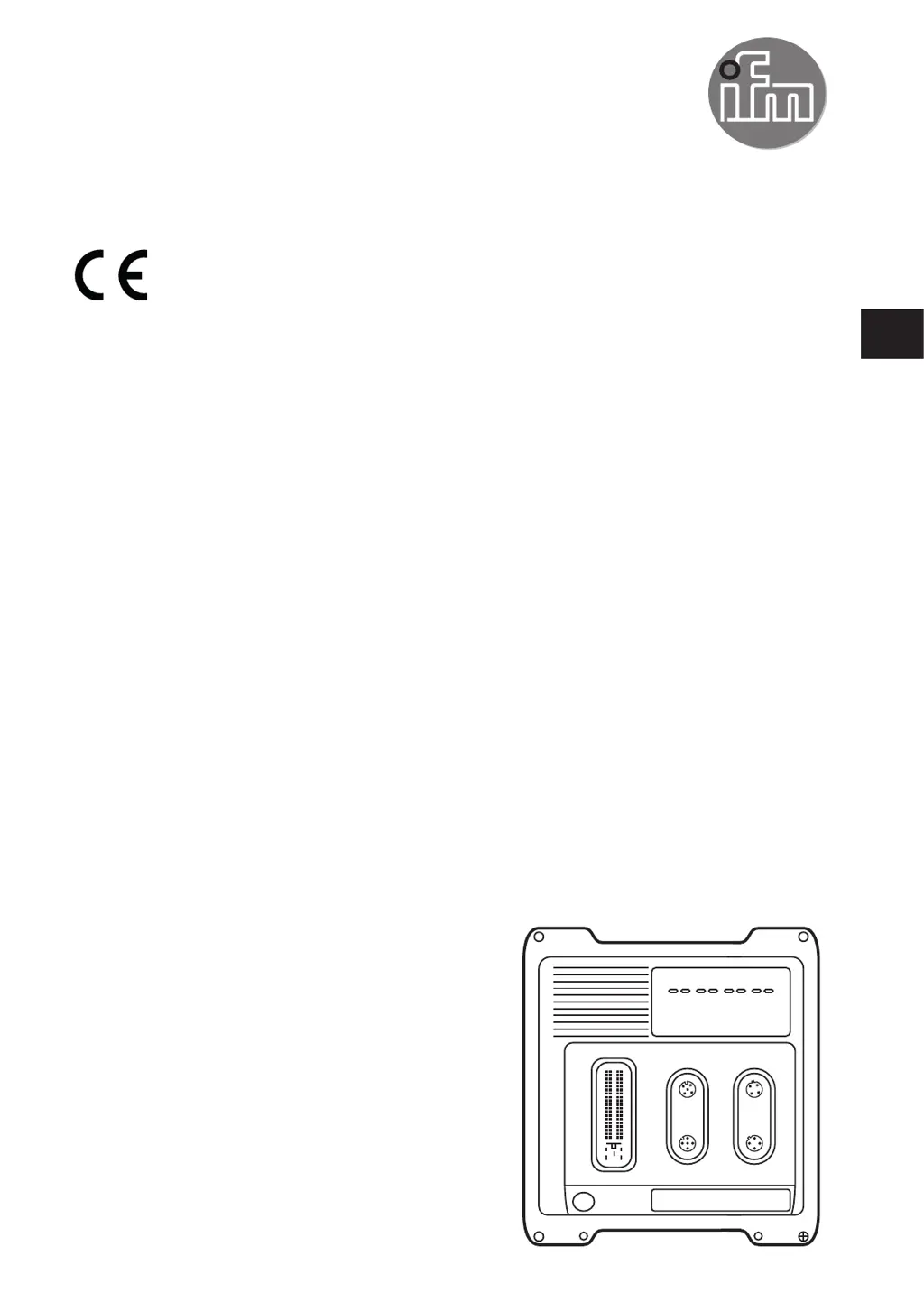
Product Scale Drawing
Frame Size: 80 mm x 49,5 mm
Original Scale Drawing (MTD)
P_MZ_e100_0094
Scale: 1:2
18
47
18
47
206
219
182
203
6,4 M12x1
LEDs
1

Questions and Answers

  • D
    Daniel LiuAug 9, 2025
    What happens if the IFM CR710S has periphery errors?
    • B
      Brandi MendezAug 9, 2025
      If the IFM Controller encounters periphery errors, it puts the affected function into a defined state, reports the error to the application, saves the information in the error log, and allows the error to be reset in the application as often as required.
  • D
    davidcurtisAug 25, 2025
    What happens when the IFM CR710S encounters a fatal error?
    • J
      Jason OnealAug 25, 2025
      When a fatal error occurs in the IFM Controller, it deactivates components allocated to the PLC and saves the information in the error log.

IFM CR710S Specifications

General IconGeneral
TypeController
Product categoryController
Input voltage24 V DC
Supply voltage24 V DC
Number of inputs8
Number of outputs8
Digital inputs8
Digital outputs8
CommunicationModbus TCP
Protection ratingIP20
Safety Integrity LevelSIL 2
Output current0.5 A
Communication interfaceEthernet
Operating temperature-25 to +60 °C
Inputs8 digital
Outputs8 digital

Related product manuals