22
On delivery: not locked.
• Timeout:
If no button is pressed for 15 s during parameter setting, the unit returns to the
operating mode with unchanged values.
9.2 Configure display (optional)
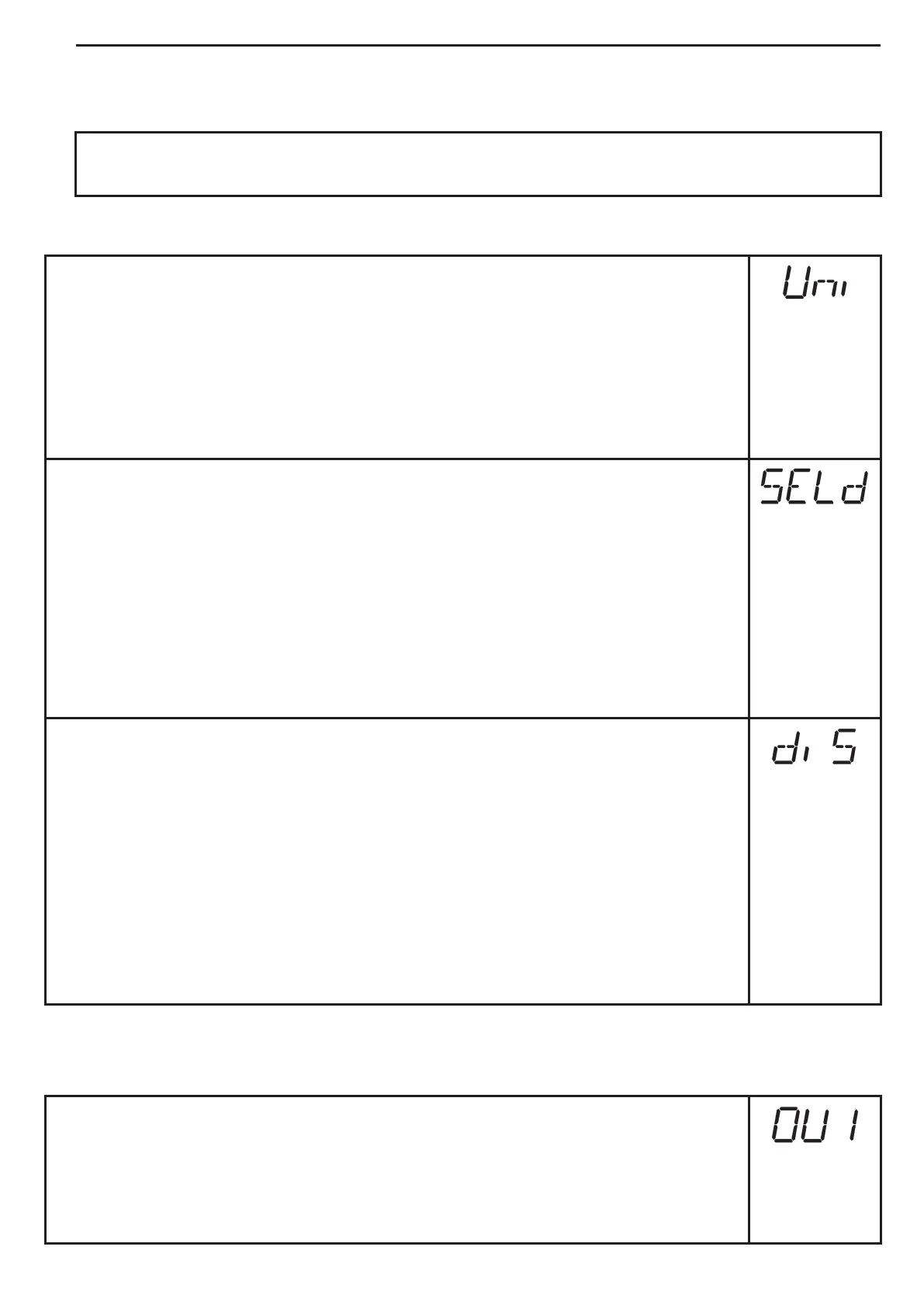
► Select [Uni] and set the unit of measurement:
- [bAr], [mbAr].
- [MPA], [kPA].
- [PSI] (only PI2793, PI2794, PI2795, PI2796, PI2797, PI2799).
- [InHO] (only PI2789, PI2796, PI2797, PI2798, PI2799).
- [mWS] (only PI2796, PI2797, PI2799).
- [mmWS] (only PI2789 and PI2798).
► Select [SELd] and set type of indication:
- [P]: system pressure in the unit set in Uni.
- [P%]: system pressure in % of the set scaling of the analogue output;
the following applies: 0% = ASP value / 100% = AEP value.
If OU2 is configured as switching output, [ASP] and [AEP] are not
active. In this case the following applies: 0% = initial value of the
measuring range / 100% = final value of the measuring range.
If [SELd] = [P%] please take the following into account: "0" does not mean
that no pressure is applied to the system!
► Select [diS] and set the update rate and orientation of the display:
- [d1]: update of the measured values every 50 ms.
- [d2]: update of the measured values every 200 ms.
- [d3]: update of the measured values every 600 ms.
- [rd1], [rd2], [rd3]: display as for d1, d2, d3; rotated by 180°.
- [OFF] = The measured value display is deactivated in the Run mode.
Touching one of the buttons indicates the current measured value for
15 s. Pressing the [Mode/Enter] button again activates the display
mode. The LEDs remain active even if the display is deactivated.
Error messages are displayed even if the display is deactivated.
9.3 Set output signals
9.3.1 Set output functions
► Select [OU1] and set the switching function:
- [Hno] = hysteresis function/NO,
- [Hnc] = hysteresis function/NC,
- [Fno] = window function/NO,
- [Fnc] = window function/NC.



 To Next Page