10
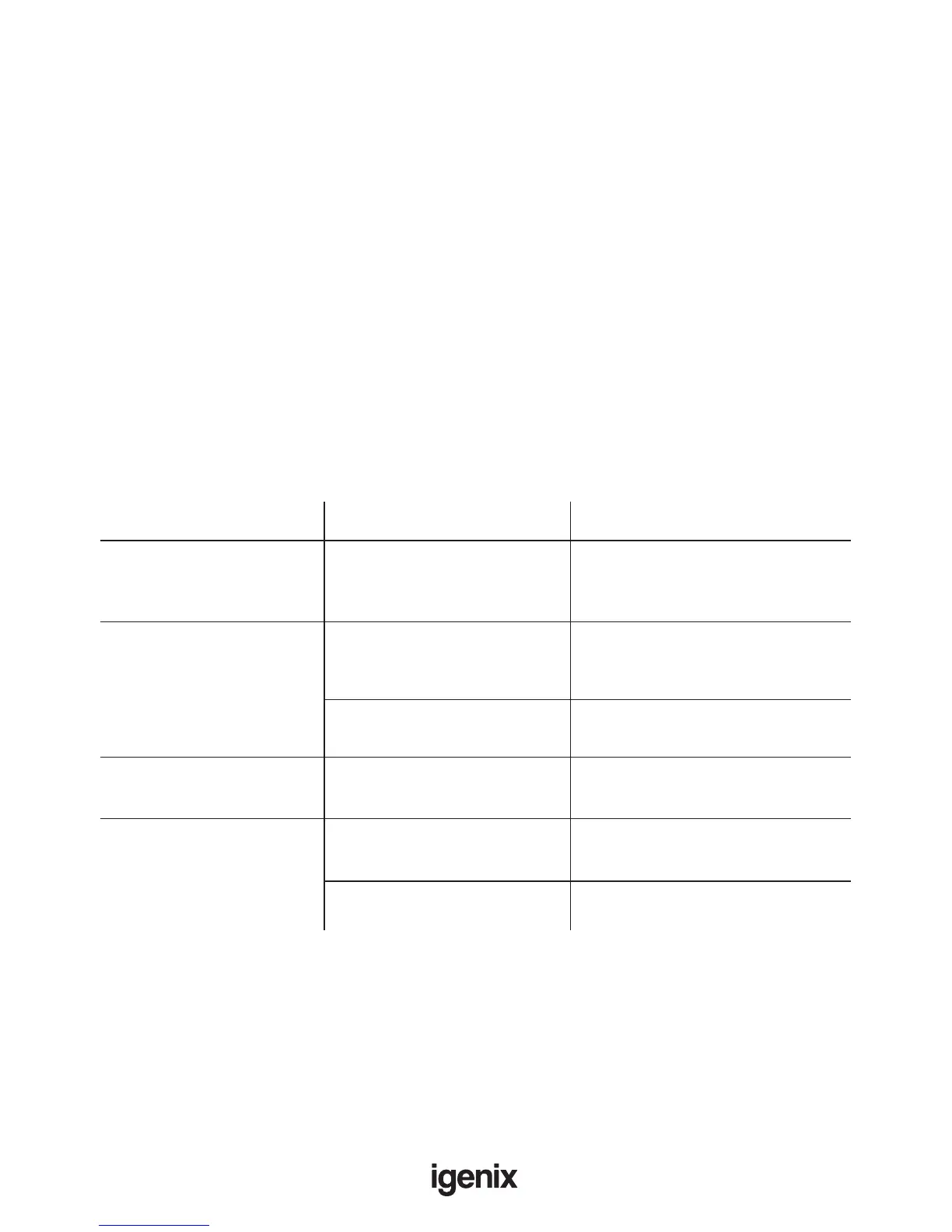
TROUBLE SHOOTING GUIDE
If you experience difculties with the appliance, please check the suggestions below before contacting
customer services on 01473 271272:
Problem
Possible Cause
Possible Solution
Both fan and compressor
are not working.
No power to the unit. Check the mains power supply.
Check the control panel is switched
to “ON”.
Not collecting water. Room temperature and
humidity may be too low.
The dehumidier will not operate if
the room humidity is already below
the level set.
Air intake lter may be
blocked
Clean the lter of any obstructions
Unit is making loud noise. Floor may be uneven Re-position the unit on an even
stable surface.
Leaking from the unit.
The water tank may not be
installed correctly.
Remove the tank and re-t
correctly.
Unit may have frozen. Unplug the unit and allow the
temperature to rise.
End of Season Maintenance
• Switch off unit and unplug from mains socket.
• Empty and clean the water tank.
• Clean the unit and the lters as per cleaning procedure above.
• Cover the unit and keep it in a dry place.
Important: Depending on usage and the area in which it is being used, the following procedures are
advised to be done more frequently:
1. Ensuring the removable lter at the front is checked and cleaned, if required, or replaced, if damaged.
2. Check the front air intake grill is also clear of dust and blockages.
3. Making sure the oat in the water collection tank moves freely and isn’t jammed or damaged.
4. Inspecting the water collection tank for any dirt and clean if required.


 To Next Page