16
CLEANING & MAINTENANCE
Cleaning the Cabinet
Before any cleaning or maintenance, turn the appliance off by pressing the “ ” button on the
control panel or remote control. Wait for a few minutes then unplug from the mains socket.
You should clean the outer cabinet of the appliance with a slightly damp cloth, then dry with a dry
cloth. Do not use water to wash appliance.
• Never wash the appliance with water. It could be dangerous.
• Never use petrol, alcohol or solvents to clean the appliance.
• Never spray antibacterial liquids or similar.
Cleaning the Air Filters
To keep your appliance working efciently, it is recommended that you clean the lter every week
of operation.
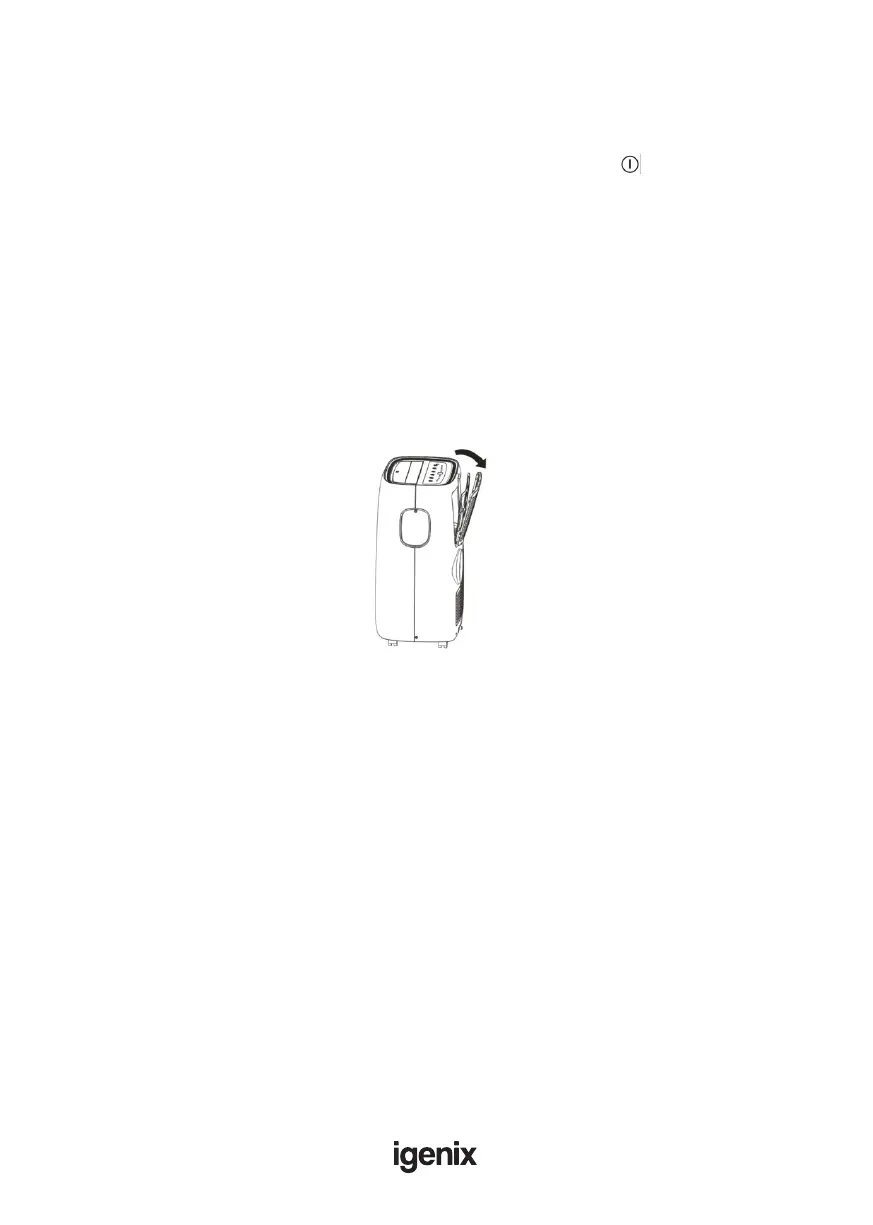
As per Fig.16, open the grid of appliance, then take out evaporator from the back of grid.
Avoid contact with the metal parts of the appliance when removing or re-installing the lter to
reduce the risk of personal injury.
Use a vacuum cleaner to remove dust accumulations from the lter. If it is very dirty, immerse in
warm water and rinse several times. The water should never be hotter than 40°C (104°F). After
washing, leave the lter to dry fully then re-attach the intake grille to the appliance.
Start of Season Operations
Make sure the power cable and plug are undamaged and properly earthed.
Follow the installation instructions precisely.
End of Season Operations
To empty the internal circuit completely of water, remove the cap. Run off all water left into a basin.
When all the water has been drained, put the cap back in place.
Clean the lter and dry thoroughly before putting back.
Strictest Operation Environment
Cooling mode: 18°C-35°C (64°F-95°F), 30%RH~90%RH
Heating mode: 10°C-25°C (50°F-77°F), 30%RH~90%RH
Fig.16



 To Next Page