Stowaway Ultra-Slim Owner’s Manual – BlackBerry
®
OS
Page 3
Setting up the Keyboard
Before You Begin
Before you install the Stowaway keyboard software for BlackBerry OS:
Install BlackBerry Desktop Manager or configure a BES
connection.
Disable or uninstall any other keyboard applications that you have
previously installed on your mobile device.
Ensure there is at least 70 KB of memory on your mobile device. To check
the available memory, select OptionsStatusFile Free (in Bytes).
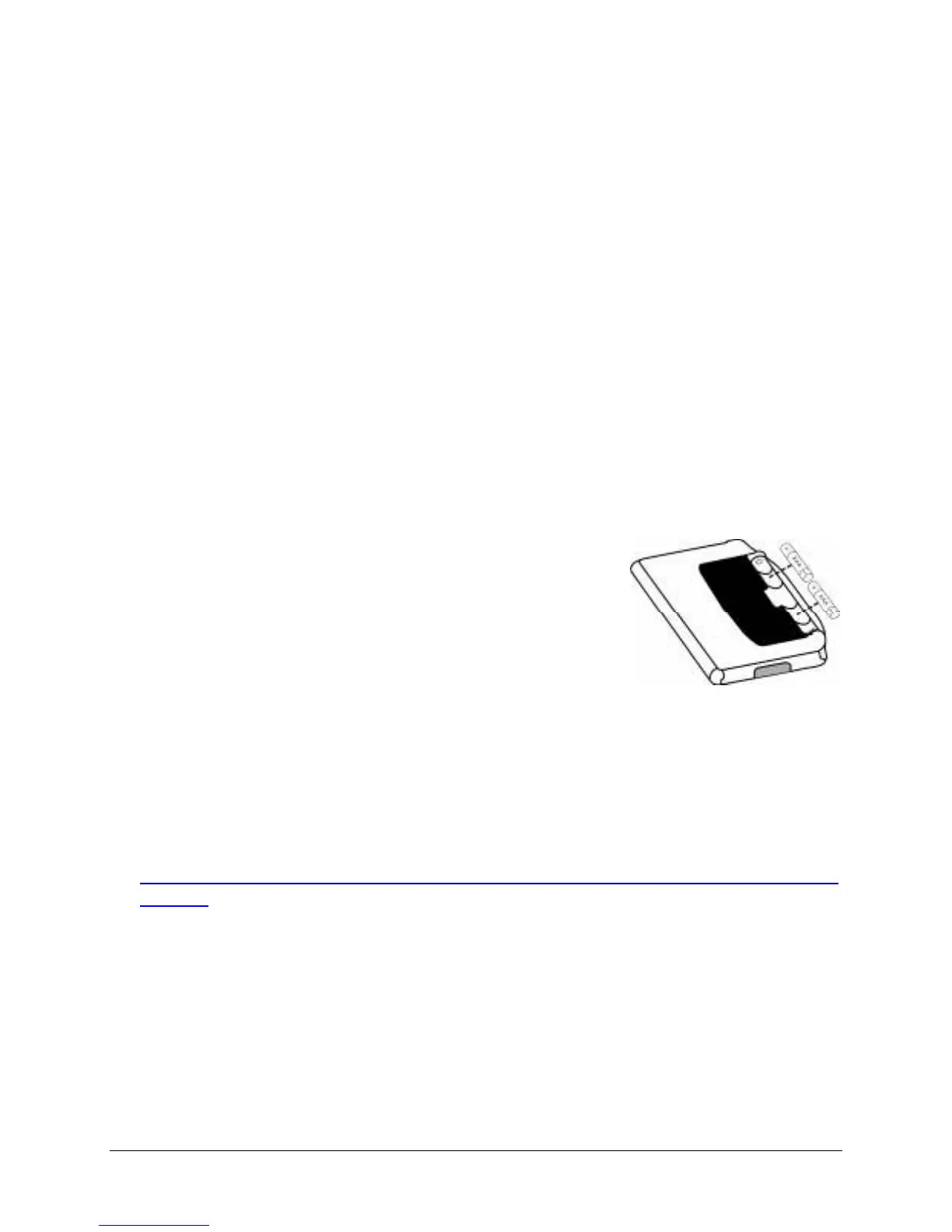
Insert the 2 AAA batteries (included) beneath the battery cover of the
keyboard.
Installing the Software
1. Connect your BlackBerry to its synchronization cable and establish a
connection between the computer and your mobile device using
BlackBerry Desktop Manager.
2. Download the keyboard application from:
http://www.thinkoutside.com/support/Drivers.asp?Manufacturer
ID=27. Select your device from the Device drop-down list and
download the keyboard driver .zip archive. Expand the archive to get to
the Setup.exe file. Launch the Setup.exe and it will install the
BlackBerry software to your PC and place the Stowaway.alx file into to
the BlackBerry Desktop ManagerApplication Loader. Once the install
wizard is completed, the keyboard application will be installed on your
BlackBerry.


 To Next Page