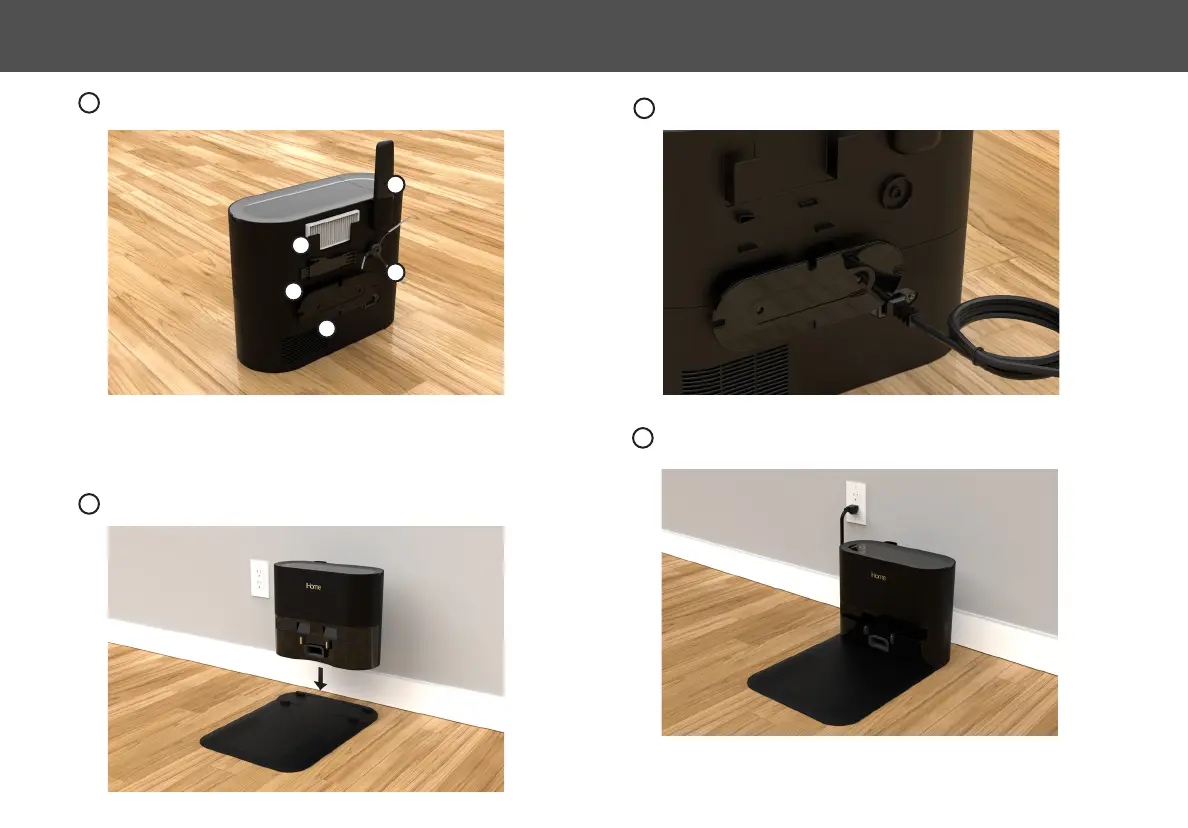
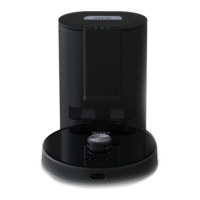
NOTE: The Auto Empty Base must always remain connected to power. Avoid using
a power source that may inadvertently be switched off (e.g. power strip, outlet
controlled by a light switch, GFCI).
1: Remote. 2: Extra HEPA Filter 3: Cleaning Tool.
4: Extra Side Brush. 5: Cord Wrap.
1
2
3
4
5
Plug the power cable into the back panel of the Auto Empty base. Wind extra cable
slack around the cord management system.
4
Plug the power cable into a functioning wall outlet.
6
Conveniently store parts and remote control as shown.
3
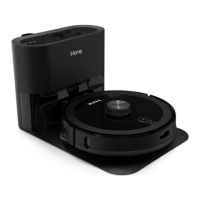
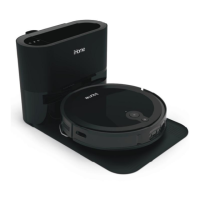
Position the Auto Empty Base on the Parking Plate as shown.
The four guide tabs on the parking plate will help align placement.
5
10
SETTING UP THE AUTO EMPTY BASE


 To Next Page