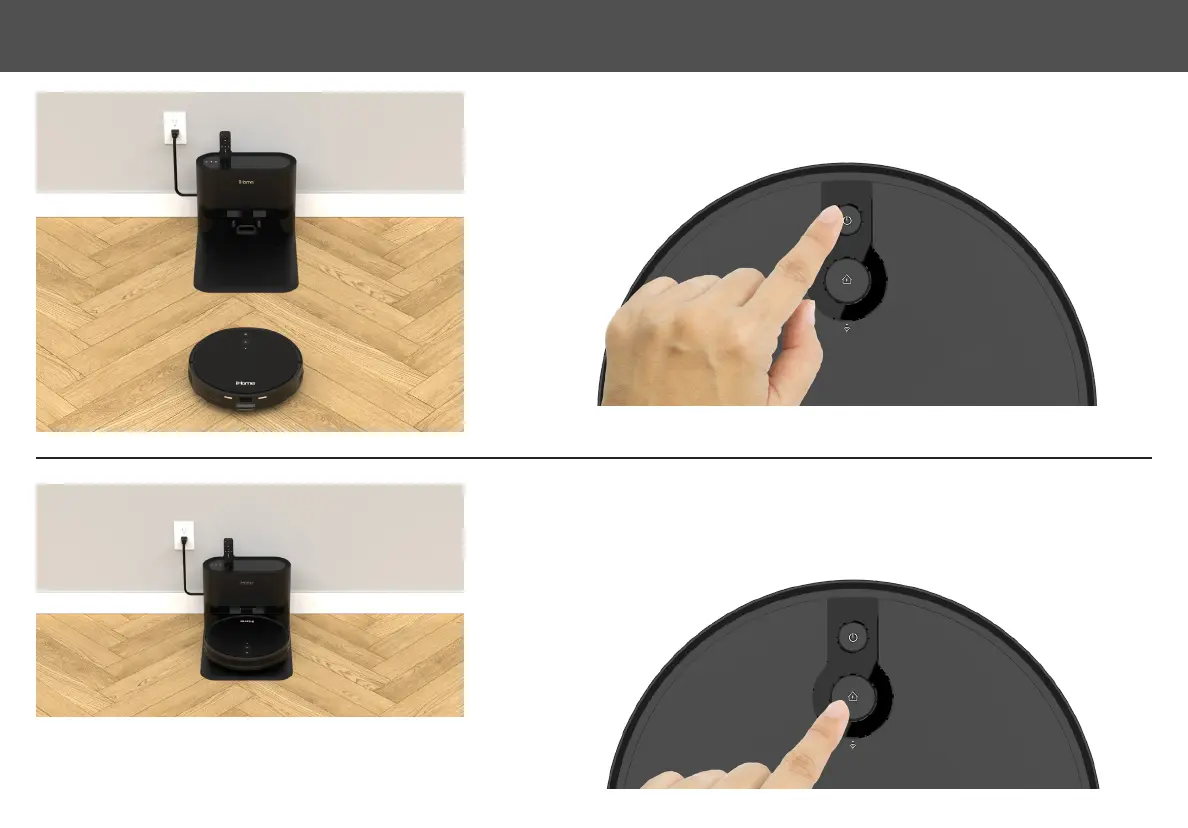
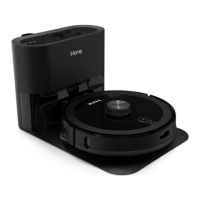
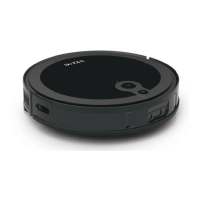
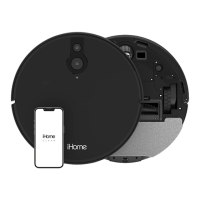
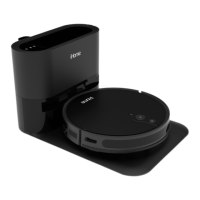
Position the Eclipse Pro on the oor near your Auto Empty Base. To turn on Press and Hold
the Power button until the indicator turns blue.
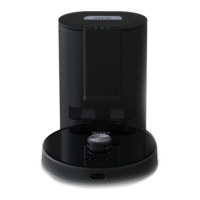
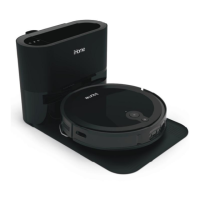
Press the Home button to pair Eclipse Pro to your Auto Empty Base. Eclipse Pro will navigate
and dock to the base for charging. Allow Eclipse Pro to fully charge (up to 5 hours) before
rst use. The indicators on your robot will turn solid green when fully charged.
STEP 1
STEP 2
NOTE: Dust collection may activate during initial docking. Do not be
alarmed. Dust collection frequency can be adjusted later in the iHome
Clean App.
11SETTING UP THE AUTOVAC


 To Next Page