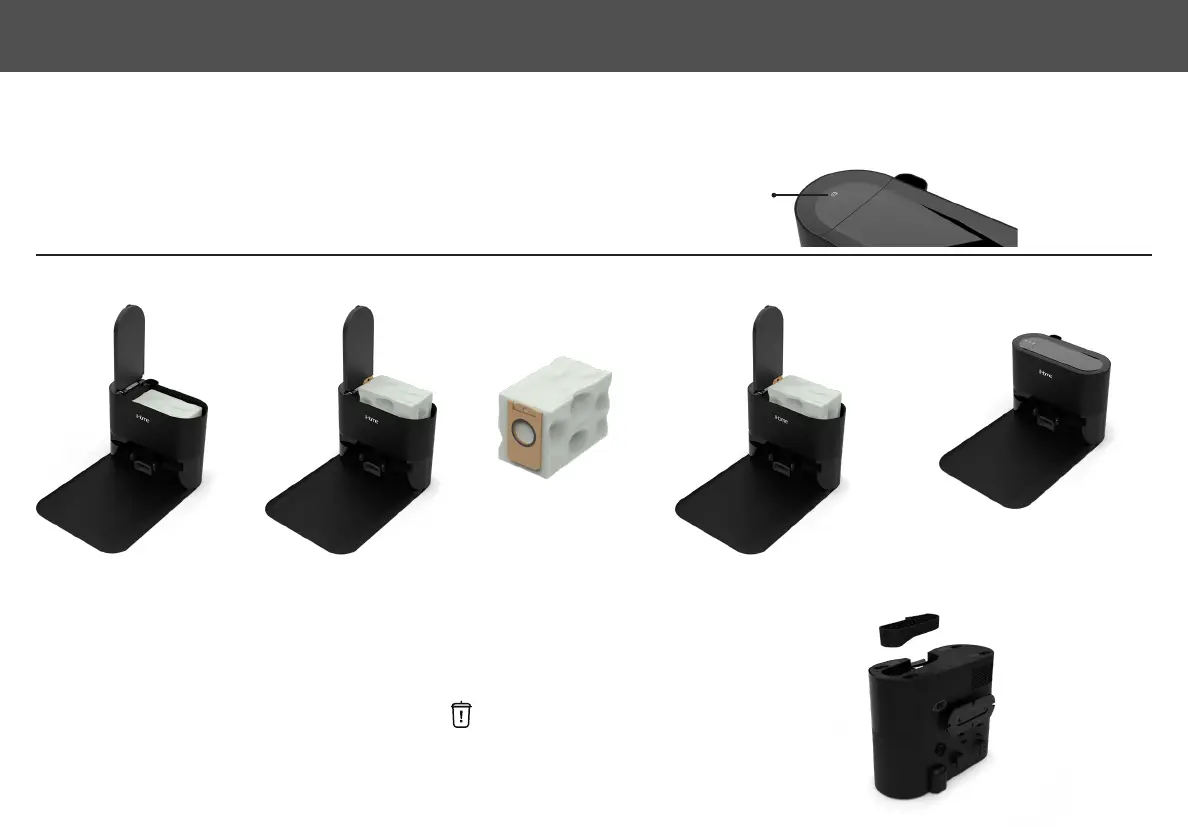
AUTO EMPTY BASE DUST BAG
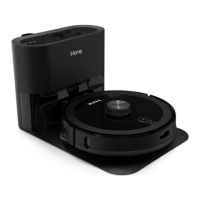
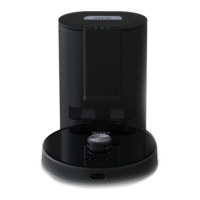
The Auto Empty Base will indicate when the dust bag is full on the smart LED display panel (Dust bag indicator will be white). Discard dust bag once full and
replace dust bag with a new one.
NOTE: Extend the dust bag handle to seal the debris hole.
CLEANING THE DUCT
If the Eclipse Pro dustbin is not emptying suciently or the is solid white it may indicate that the
duct is blocked. Refer to the image: Unplug and turn over the Auto Empty Base. Remove the duct cover
with a philips screwdriver and clean out any dirt or debris.
REPLACING THE DUST BAG
Full dust bag
Open Cover
Close Cover
Pull up the dust
bag from handle
Discard the old
dust bag
Replace with new dust bag &
fully lower cardboard handle
18
AUTO EMPTY BASE MAINTENANCE


 To Next Page