Before starting your rst cleaning cycle please clear the oor of all objects other than furniture as some small objects may obstruct, get caught in, or damage
the iHome Autovac Eclipse Pro.
FIRST CLEANING
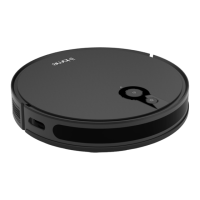
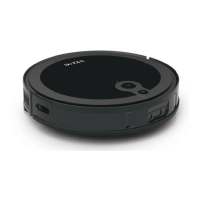
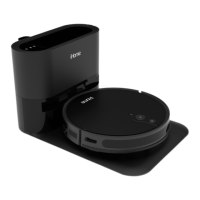
Simply press the Power button on your Eclipse Pro to begin an Auto-Clean cycle of your home. Eclipse Pro will start cleaning and will continue until it has
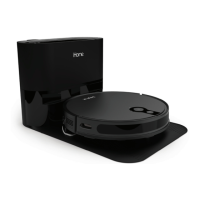
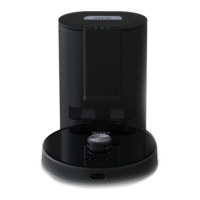
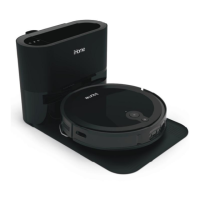
covered the entire cleaning area. Once cleaning is nished, the Eclipse Pro will automatically return back to the Auto Empty Base to empty the dustbin.
CLEANING MODES
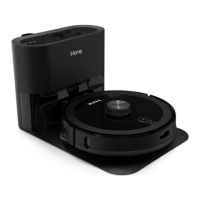
Auto Clean - The Eclipse Pro will automatically clean your oor until it has covered the entire surface. Once cleaning is nished the Eclipse Pro will automatically
return back to the Auto Empty Base to empty the dustbin and re-charge
Manual Control - Using the navigational D-Pad on the remote control (or in the iHome Clean App) you can manually control where the Eclipse Pro goes to clean.
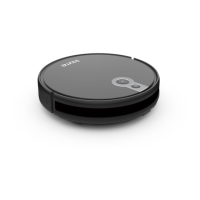
Spot Clean - The Eclipse Pro will deep clean a specic spot. First, use the manual navigation control to guide your Eclipse Pro to the desired location. Then,
choose Spot Clean mode for a deep clean.
13
USING YOUR AUTOVAC


 To Next Page