„Other“ tab
Language:
You can select the language from a list.
The default language is English. The next start of
the device makes the change of language effec-
tive.
Year, month, day, hour, minute:
These settings become effective when you click
on the „OK“ button. The input field for the hour
uses the 24-hour format.
„Printer“ tab
Select a suitable printer from the list.
USB PCL printer
You can connect many type of USB printers which
the use the PCL printer language to the C 6000.
We recommend the HP Business Inkjet 1200 or
its successor models.
Network printer
When you have selected a network printer you
must then input the network address of the prin-
ter. In addition the C 6000 must be connected to
the company‘s network.
Serial printer
A serial printer can be connected to PC port of
the C 6000. This printer allows printing of the se-
quential record of the measurements. No other
printing operations can be performed with this
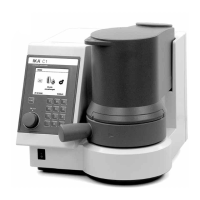
printer. We recommend the IKA
®
C 1.50 printer
with the serial settings 9600-8-N-1.
Other
Printer


 To Next Page
 Loading...