14 15
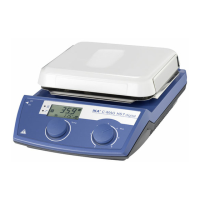
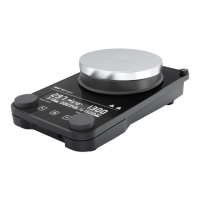
Operator panel and display
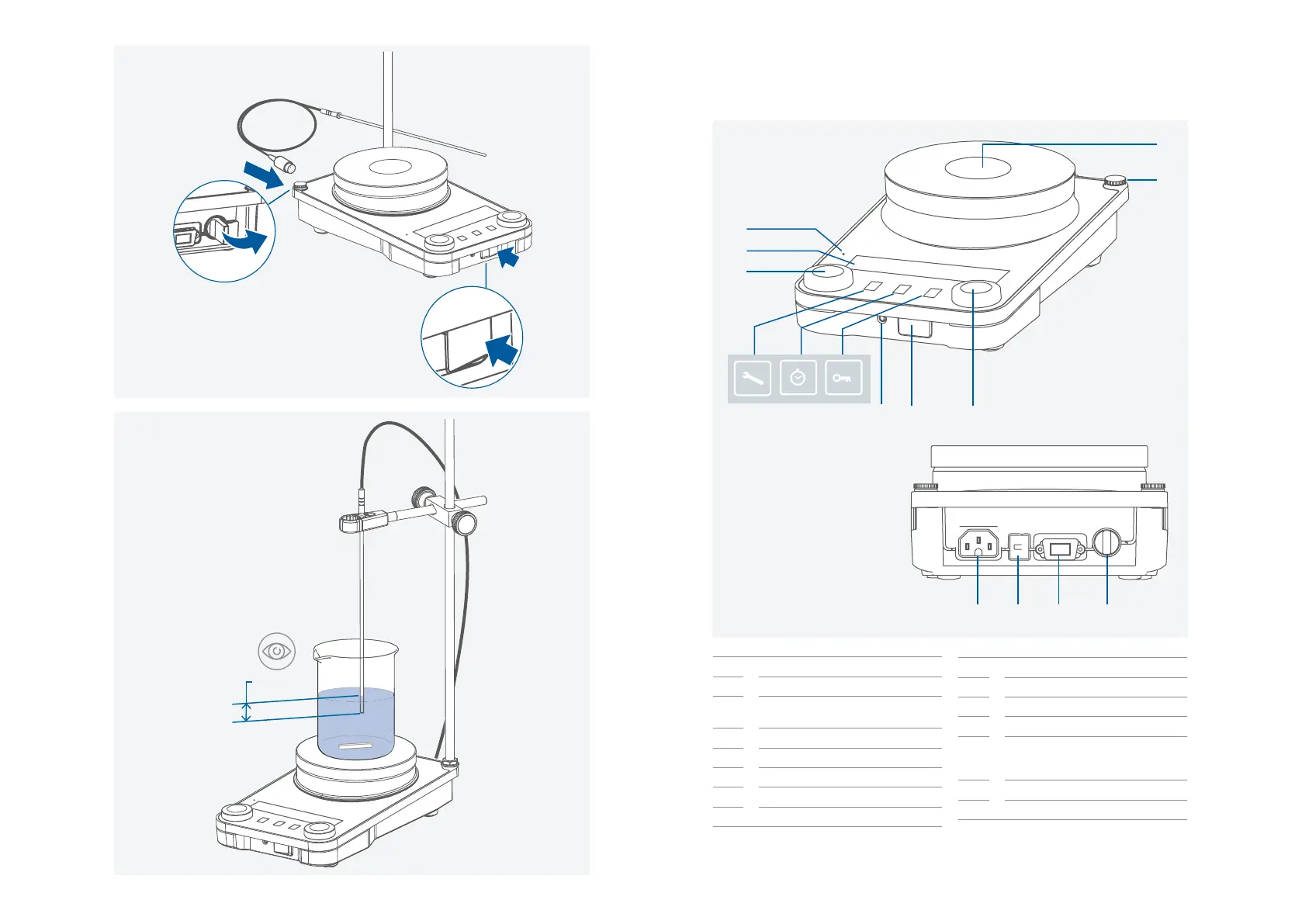
A Main switch (left « on, right « off)
B Adjustable safety circuit
C
Rotating / pressing knob - Temperature
setting
D Rotating / pressing knob - Speed setting
E “Menu“ button
F “Timer“ button
G “Lock“ button
H Display
1
2
/// Operator panel
I Standby LED
J Power socket
K USB Interface
L RS 232 Interface
M
Connection for PT 1000 temperature
sensor series, temperature probes or
contact plugs
N Heating plate
O Threaded hole for stand
1.
2.
3.
OFF
≥ 20 mm
N
O
I
H
C
E F
G
B A
D
J K L M


 To Next Page