- 13 -
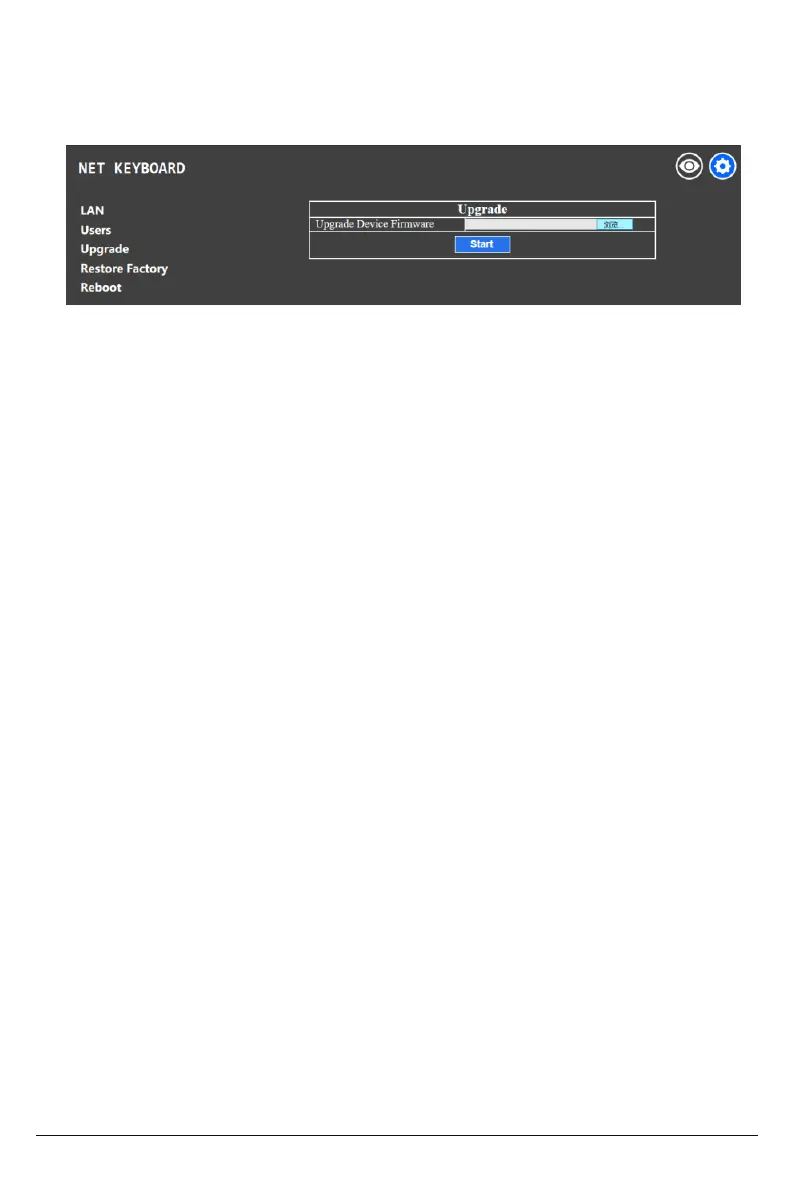
The upgrade function is available for maintenance and updates.
Choose the update file and click “start” to update the controller. It will auto reboot after
updating.
Note: Do not operate the controller, shut the power off, or disconnect the device from the
network during the upgrade process.
Restore the controller to factory default settings when an unexpected failure occurs due to
improper modifications. Please use factory restoration with caution.
Click Reboot for maintenance if the controller has been running for a long period of time.
5.3 Upgrade
5.4 Restore Factory
5.5 Reboot


 To Next Page