Table of Contents
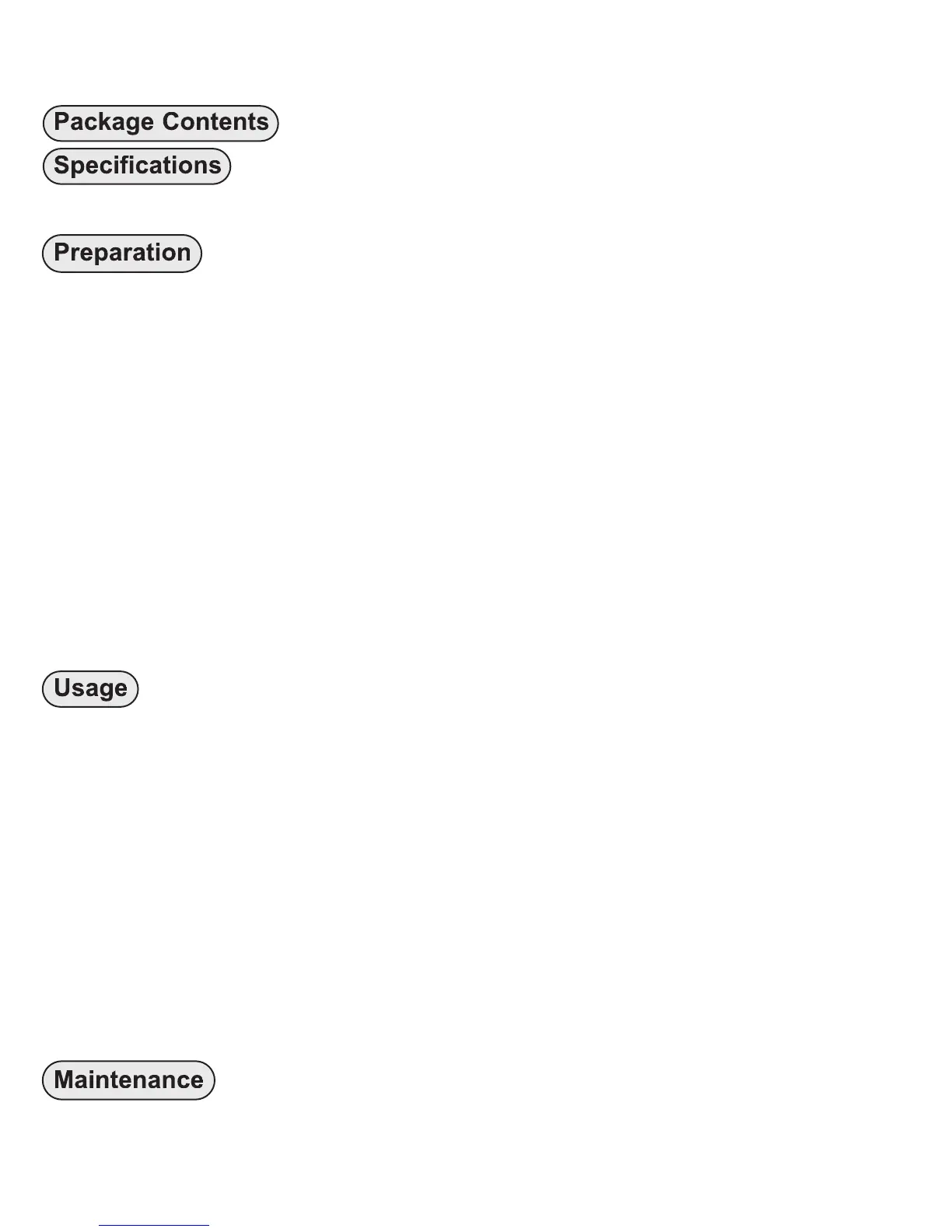
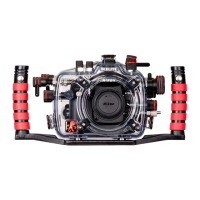
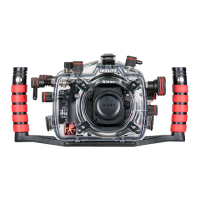
Package Contents ........................................................P. 3
Specifications ..............................................................P. 3
Attach Tray and Handle to the Housing ..........................P. 4
Preparation ..................................................................P. 5
Initial Camera Setup........................................................P. 5
Housing Controls - Front View ........................................P. 7
Housing Controls - Back View ........................................P. 8
Opening the Housing ......................................................P. 9
Installing the Camera ......................................................P. 9
Attach Hotshoe to Camera..............................................P. 9, 10
Attach Camera to Mounting Tray ....................................P. 9, 10
Using the Camera’s Built-in Flash ..................................P. 11
Closing the Housing ........................................................P. 11
Usage ............................................................................P. 12
Final Check ....................................................................P. 12
Zoom Control ..................................................................P. 12
Diffuser and Deflector Installation and Use ....................P. 13
Conversion Circuitry ........................................................P. 14
Attaching an Ikelite Strobe Arm to the Housing Handle..P. 14
Attaching a Sync Cord to the Housing ............................P. 15
Turn Camera On..............................................................P. 15
Entering the Water ..........................................................P. 16
Maintenance ................................................................P. 16
Lens Port ........................................................................P. 16
2


 To Next Page