To Next Page

T
tammy97Jul 31, 2025
What to do if illumina MiSeq displays 'Fluidics check failed'?
- Jjacob44Jul 31, 2025
Select 'Pump'. After the fluids have been pumped, select 'Restart Check'.

What to do if illumina MiSeq displays 'Fluidics check failed'?
Select 'Pump'. After the fluids have been pumped, select 'Restart Check'.
What to do if illumina MiSeq shows 'Network disconnected'?
First, ensure the network cable is securely plugged into the instrument. If the network connection issue persists, try rebooting the instrument. Turn off the power switch, wait for at least 60 seconds, and then turn the instrument back on.
What to do if illumina MiSeq Recording Equipment shows 'Disk space low'?
If the disk space is low, a message will appear indicating the required disk space and a 'Manage Runs' button. Select 'Manage Runs' and clear the necessary space from the instrument computer.
What to do if Illumina Recording Equipment displays 'Improperly formatted sample sheet'?
The sample sheet might contain missing information or syntax errors. Correct the errors as listed on the screen, and then select 'Restart Check'.
What to do if Illumina Recording Equipment displays 'Sample sheet not found'?
Check the folder location for the sample sheet in 'Setup Options' on the Welcome screen. If the sample sheet is missing, create one and copy it to the MiSeq. Once completed, select 'Restart Check'.
How to fix 'Initialization failed' on illumina MiSeq Recording Equipment?
If initialization failed, an option to re-initialize should appear on the screen. Select 'Re-initialize'.
How to empty waste bottle on Illumina Recording Equipment?
Open the reagent compartment door, raise the sipper handle, and empty the waste bottle into an appropriate waste container.
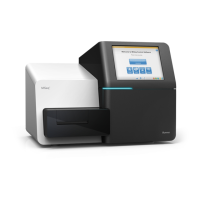
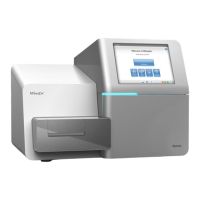
Details the main physical components of the MiSeq instrument.
Step-by-step guide on powering on and initializing the MiSeq.
Describes the MCS interface, including the Welcome screen and activity indicators.
Provides instructions for thawing and preparing the reagent cartridge.
Guides through editing the sample sheet and loading components.
Details the steps for performing a post-run wash.
Provides instructions for safely powering off the instrument.
Provides an overview of common software errors and their actions.
 General
| Brand | illumina |
|---|---|
| Model | MiSeq |
| Category | Recording Equipment |
| Language | English |