Getting Started
Install the Batteries
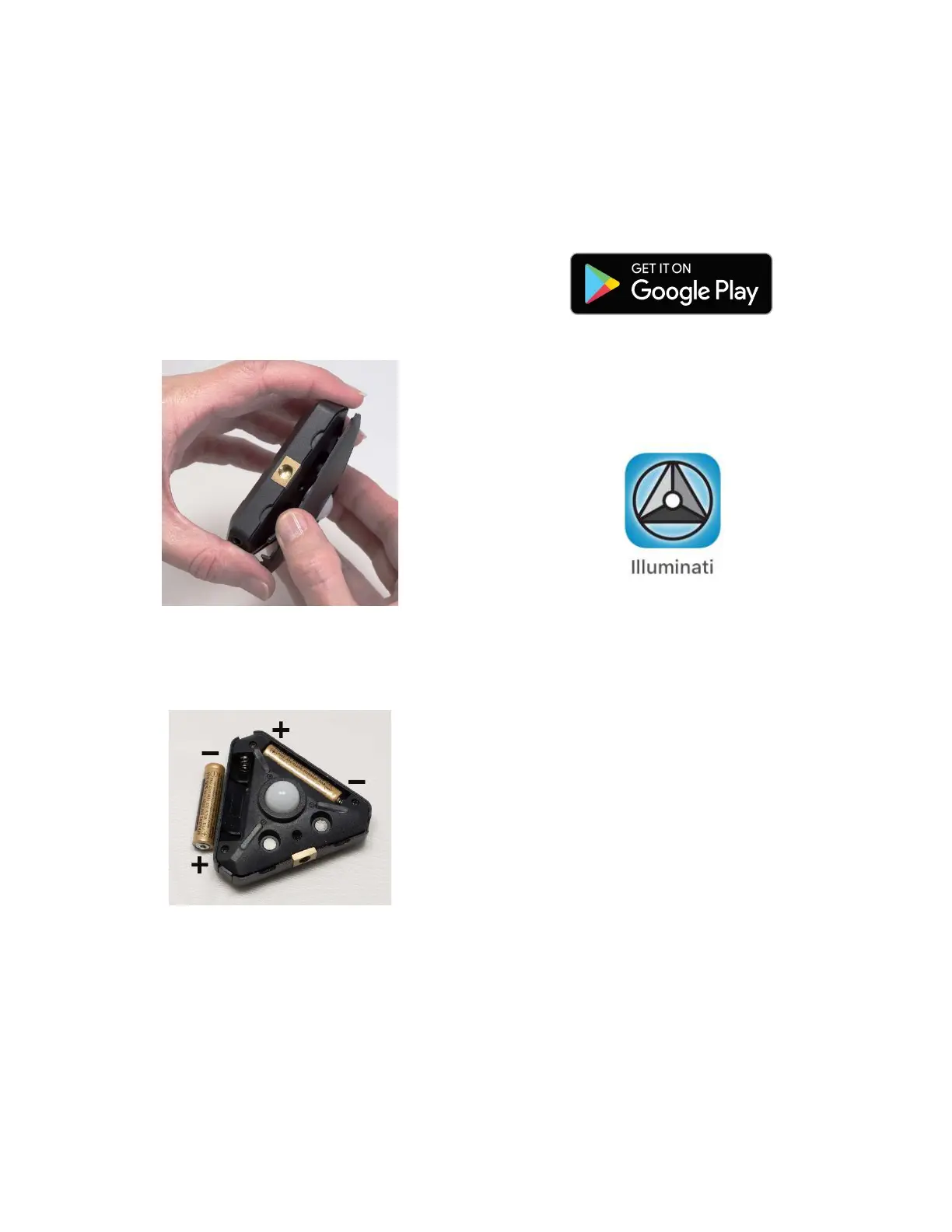
Open the case. The case is held closed by two
rare-earth magnets. Insert your fingernails into
the detents on either side of ¼-20 threaded
tripod mounting hole on one edge of the meter
and pull to separate the lid from the body of the
meter.
Insert two (2) AAA batteries as shown. Be sure
to observe the polarity, shown below, and
which is marked in the case under each battery.
Close the case. The correct orientation of the lid
is easy to determine – simply line up the two
sets of magnets: one set in the lid and one set in
the body of the meter. Position the lid’s hook
first, then let the lid close. You will feel a click
when the magnets engage.
Download the App
The Illuminati App is available to download to
your smartphone for free from the Google Play
store.
Search for “Illuminati Meter”. The app will
appear in the search list. Install it on your
phone.



 To Next Page