18 | P a g e IM100 User Manual – Android, v1.41 Illuminati Instrument Corp.
Color Temperature
The Illuminati meter can capture color
temperature readings for ambient, strobe, and
both simultaneously.
The Android app will display this information in
two different tabs, each with a specific purpose.
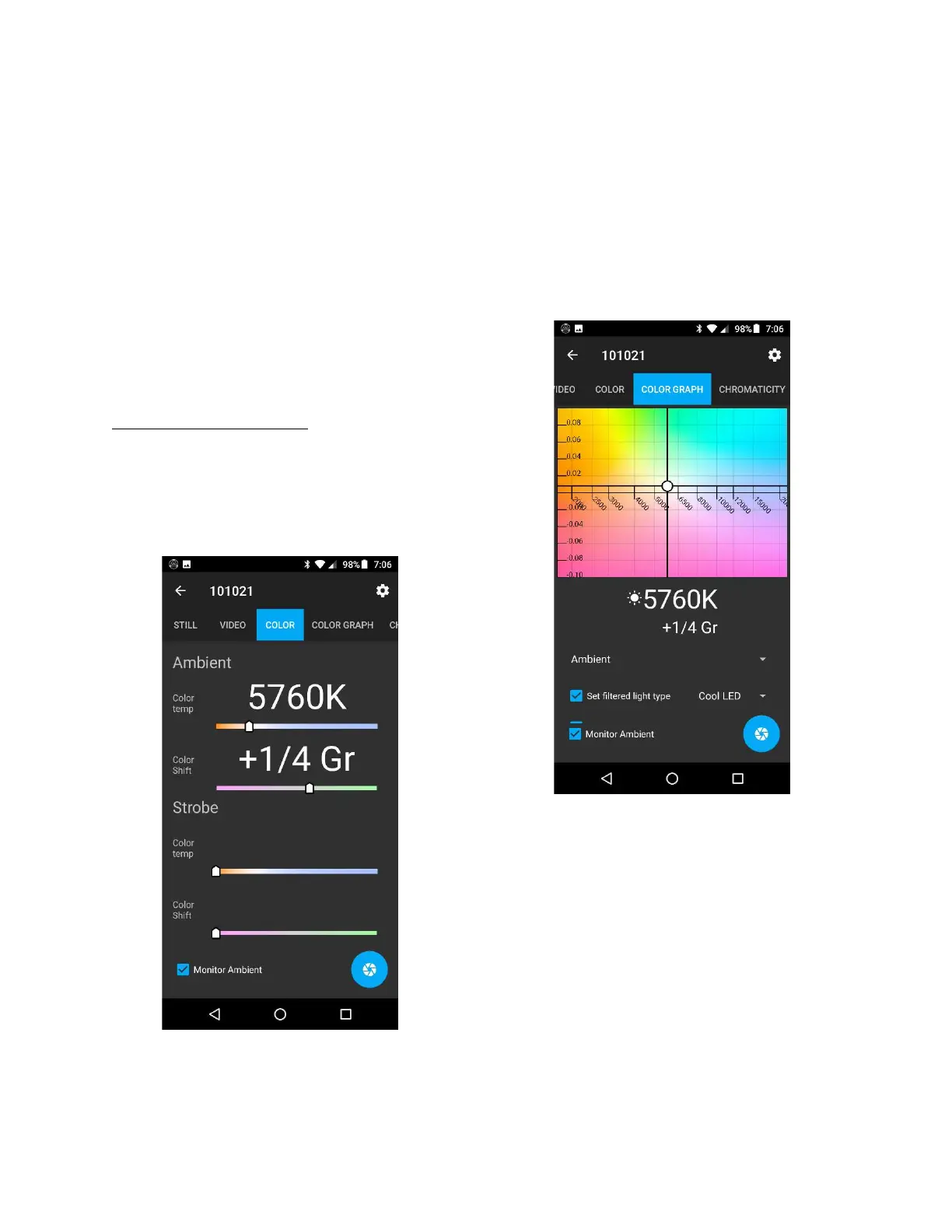
The COLOR tab gives you a quick glance of the
color temperature in large type. The COLOR
GRAPH tab provides more detailed information,
including an interface for seeing how applying
different color gel filters to a light will affect the
color of that source.
Ambient Color Temperature
To check the color temperature of your light
source, select the COLOR tab at the top of the
screen above. The app displays the color
temperature and Duv shift (green-magenta
shift) of your light source.
The COLOR tab: the color temperature of your
light source in an easy-to-read form
In this example, the light source has a color
temperature of 5760K with a green shift of +1/4
Gr, as measured in values commonly found on
filter gels. You also have the option of displaying
the green shift in Duv, a scale used in scientific
work.
Here is the same light source displayed in the
COLOR GRAPH tab.
The COLOR GRAPH tab: in-depth information for
color correcting lights
The COLOR GRAPH tab is not only an excellent
analytical tool for helping you correct the
temperature of a light source, it is also a
valuable tool for learning about different types
of light and what their characteristics are. The
COLOR GRAPH tab will show you:
1. The color appearance of your light source.
2. The effect of adding color correcting filter
gels to your light source.



 To Next Page