8
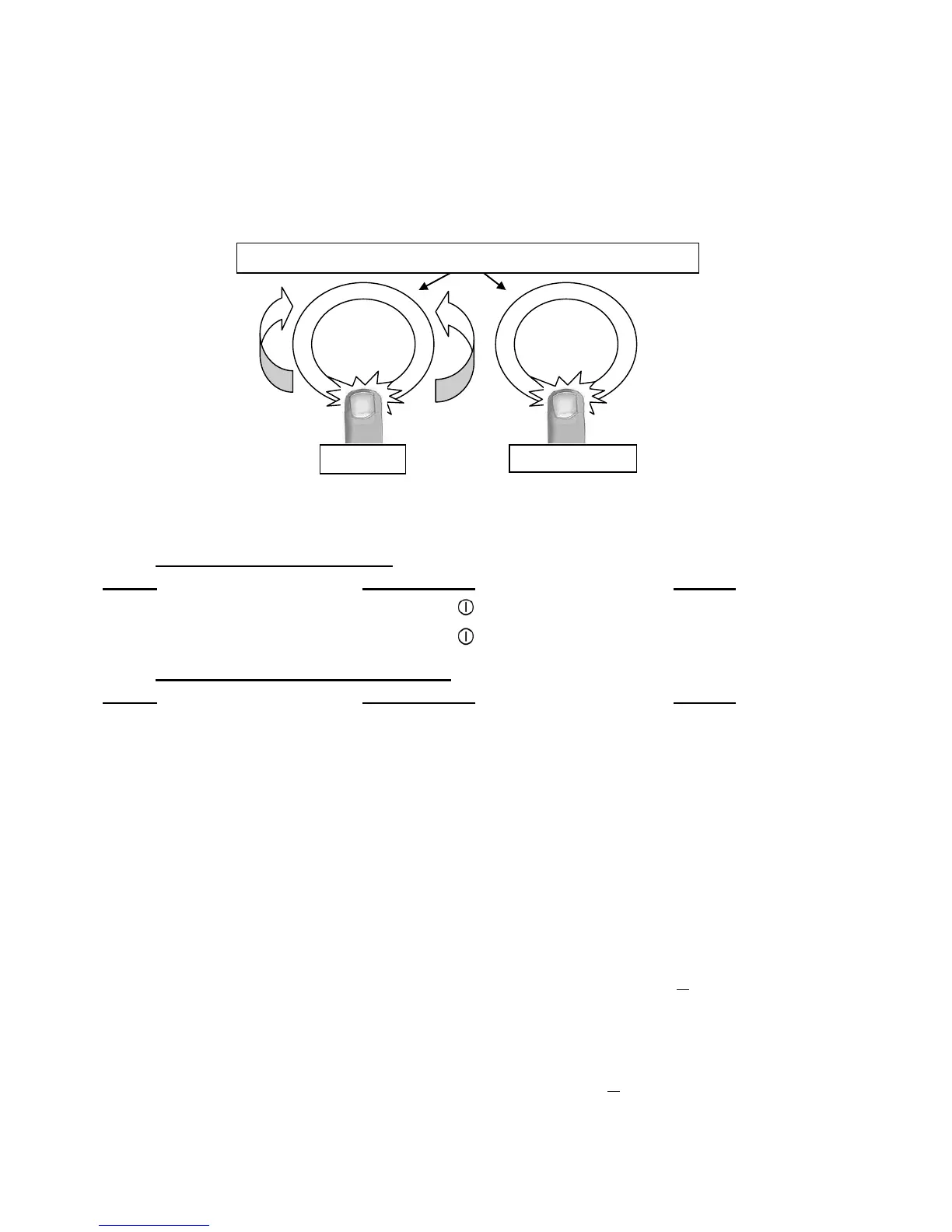
Powerselectionzone“SLIDER”andtimersettingzone
First select a cooking zone bypushingona“Zoneselection”button(seep.6). The corresponding
display will be highlighted as long as the zone is activated.
While the zone is activated (for a few seconds), you can adjust the power, either by sliding your
finger on the slider, or by direct access.
To adjust the power of another cooking zone, wait until the previous zone is no longer activated
(the highlighted display becomes normal).
Starting-up
x Start up / switch off the hob:
Action Control panel Display
To start Press key [ ] [ 0 ] are blinking
To stop Press key [ ] Nothing or [ H ]
x Start up / switch off a heating zone:
Action Control panel Display
Zone selection Pressonthe“SLIDER“ [ 0 ] and control
across from the desired zone light on
To set Slideonthe“SLIDER“ [ 0 ] to [ 9 ]
(adjust the power) to the right or to the left
To stop Slideto[0]on“SLIDER“ [ 0 ] or [ H ]
or press on [ 0 ] [ 0 ] or [ H ]
If no action is made within 20 second the electronics returns in waiting position.
Pan detection
The pan detection ensures a perfect safety. Theinductiondoesn’twork:
x If there is no pan on the heating zone or if this pan is not adapted to the induction. In this
case it is impossible to increase the power and the display shows [ U ]. This symbol
disappears when a pan is put on the heating zone.
x If the pan is removed from the heating zone the operation is stopped. The display shows
[ U ]. The symbol [ U ] disappears when the pan is put back to the heating zone. The
cooking continues with the power level set before.
After use, switch theheatelementoff:don’tletthepandetection[U ] active.



 To Next Page