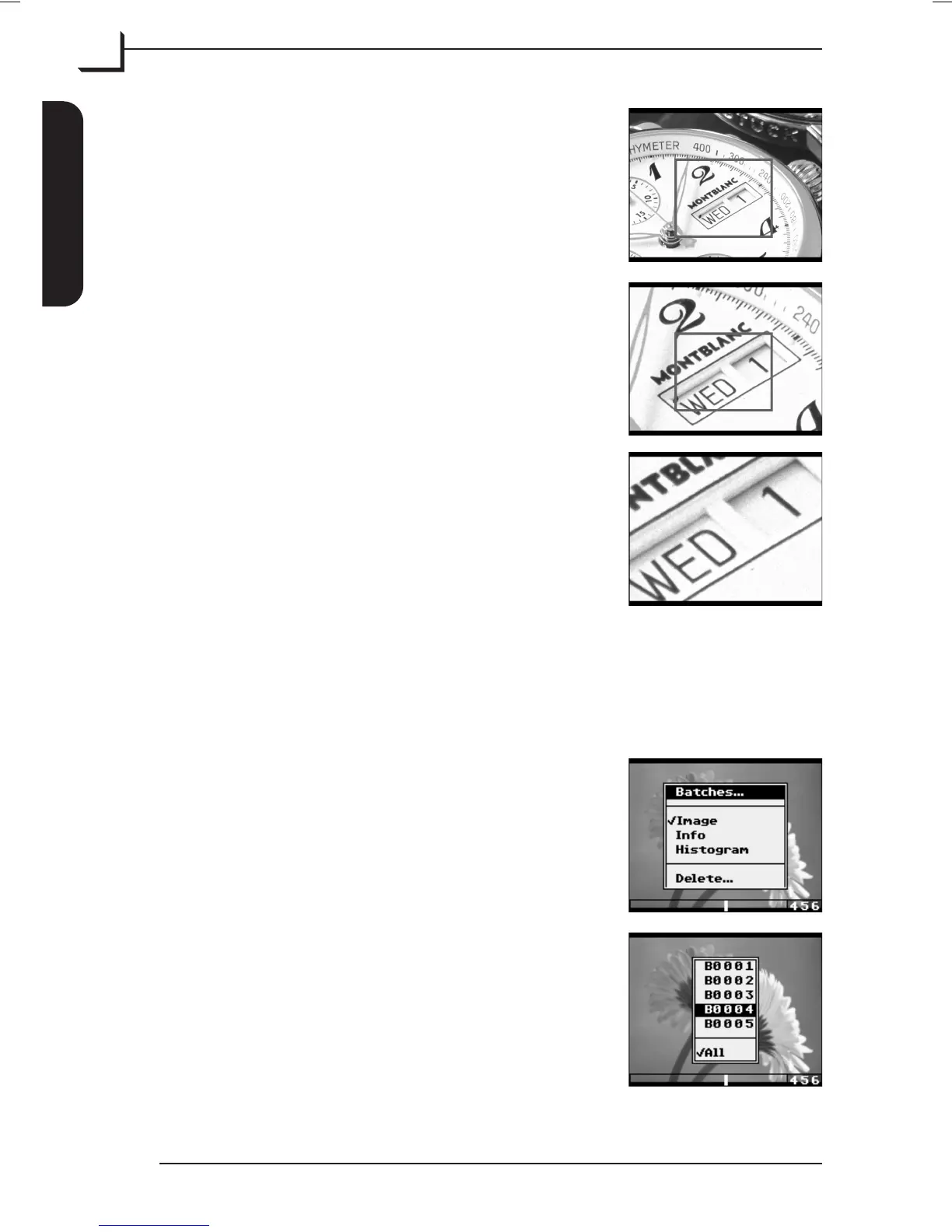
If necessary repeat procedure until max. zoom
level (3 times) has been reached.
You can exit the zoom function anytime by
pressing the MENU button.
(Zoom level 1)
(Zoom level 2)
(Zoom level 3)
Browse Options
When in "Browse" mode you are able to specify the images you want to
browse through and how to display them:
From the main window press OK button to
enter "Browse" mode.
Press Menu button to display the "Browse"
menu, then use Browse/Scroll button to
highlight the Batches... item and press OK
button.
From the appearing list select a batch number
to browse through the pictures from this batch
only or select All to browse through all pictures.
User's Guide - Imacon Ixpress
English
The Ixpress Camera Back
18
Using the Control Panel



 To Next Page