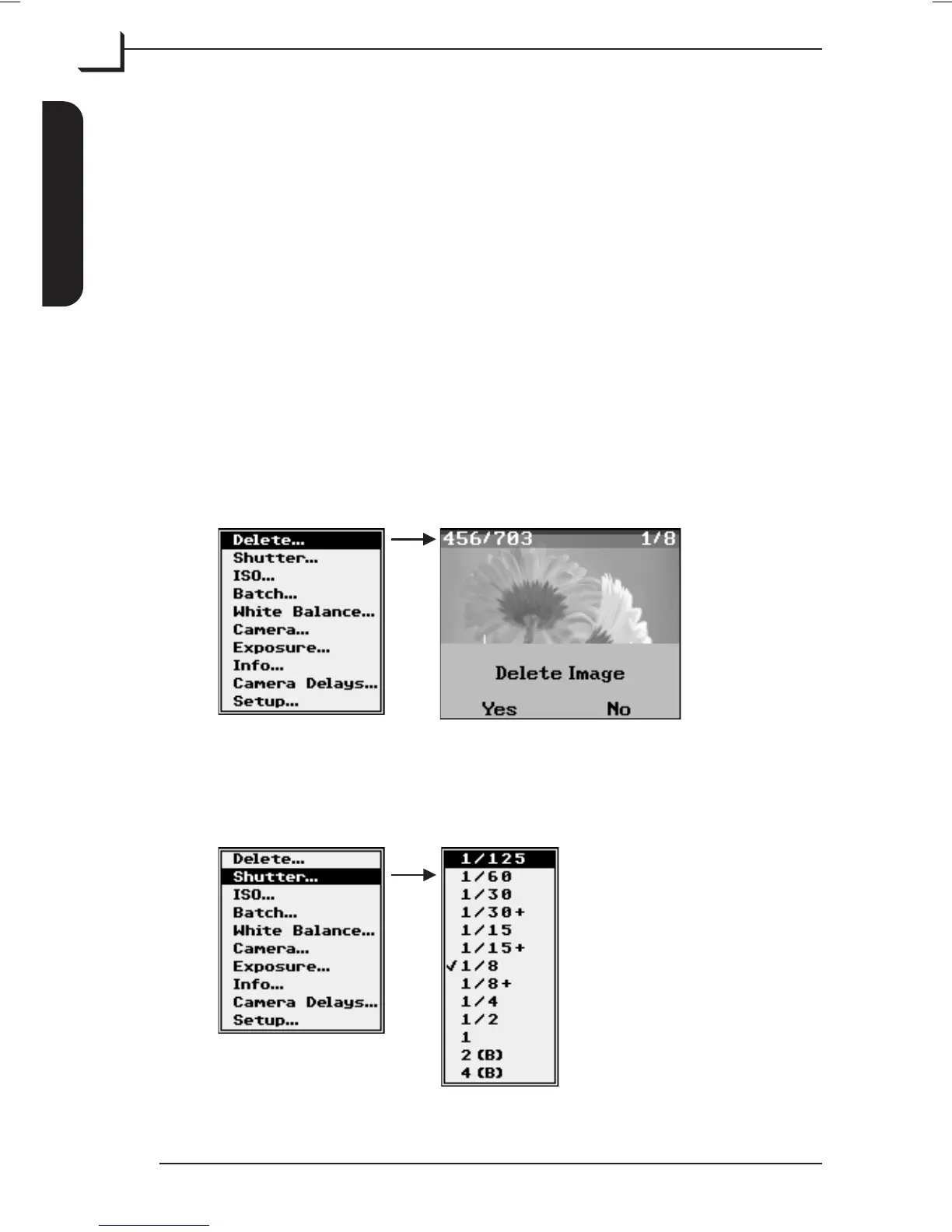
Device Settings Menu
The menu holds all the parameters for setting up the device.
Note! The contents of the menu may vary from one camera model to
another depending on the functions supported by the current camera.
To enter the menu press MENU button from the main window. Use
Browse/Scroll button to scroll through the menu items - please note that
holding down the button will make scrolling quicker.
To enter an item highlight it and press OK button. A check mark
indicates the current setting. Use Browse/Scroll button to highlight new
setting and press OK button to confirm. To exit without making changes
press MENU button.
Below are described the various settings available from the menu:
Delete…
Deletes the currently previewed image.
Press Yes (OK button) to delete image or No (MENU button) to cancel.
Shutter…
Sets the shutter time for the device.
User's Guide - Imacon Ixpress
English
The Ixpress Camera Back
22
Using the Control Panel



 To Next Page