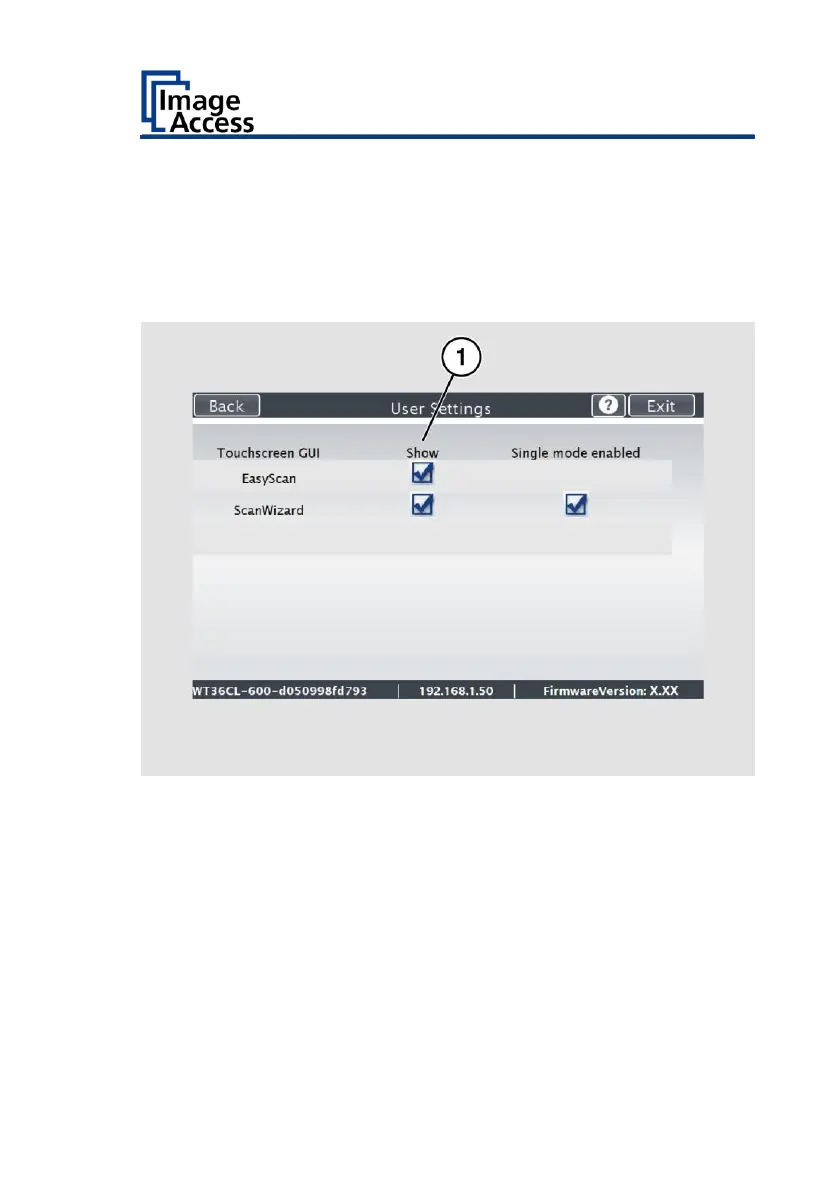
The "Configure GUI Selection" screen is displayed.
This menu displays the "EasyScan" and "ScanWizard" applications, which
are available as a standard selection. If after system start you want to
display only one of the applications, proceed as follows:
➢ Under "Displays" (1) disable the box corresponding to the application
you do not want to display.










 To Next Page