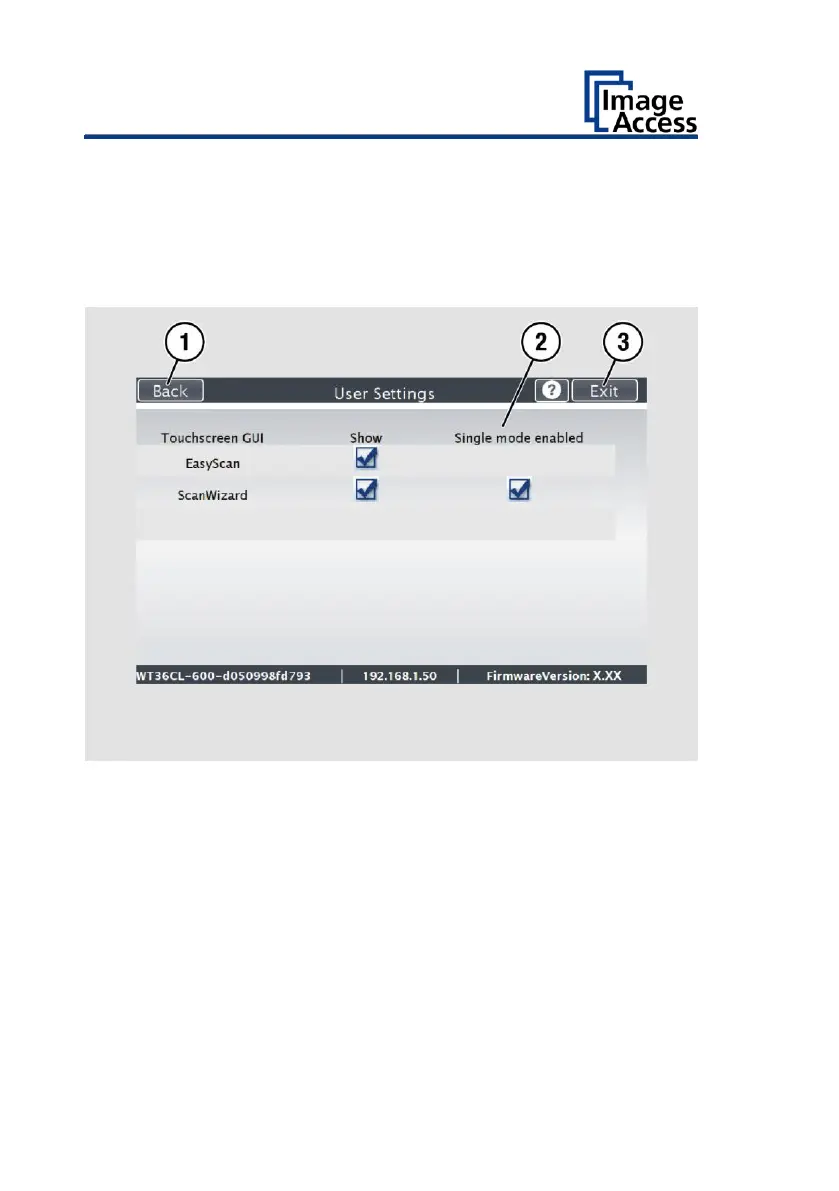
By default, job mode is defined (disable the checkbox "Single mode
enabled").
➢ To start the application in standalone mode, check the checkbox "Single
mode enabled" (2).
➢ To return to the previous submenu, tap BACK (1).
➢ To return to the "Start screen", tap EXIT (3).










 To Next Page