2
INTRODUCING
DEFENDER™ H100
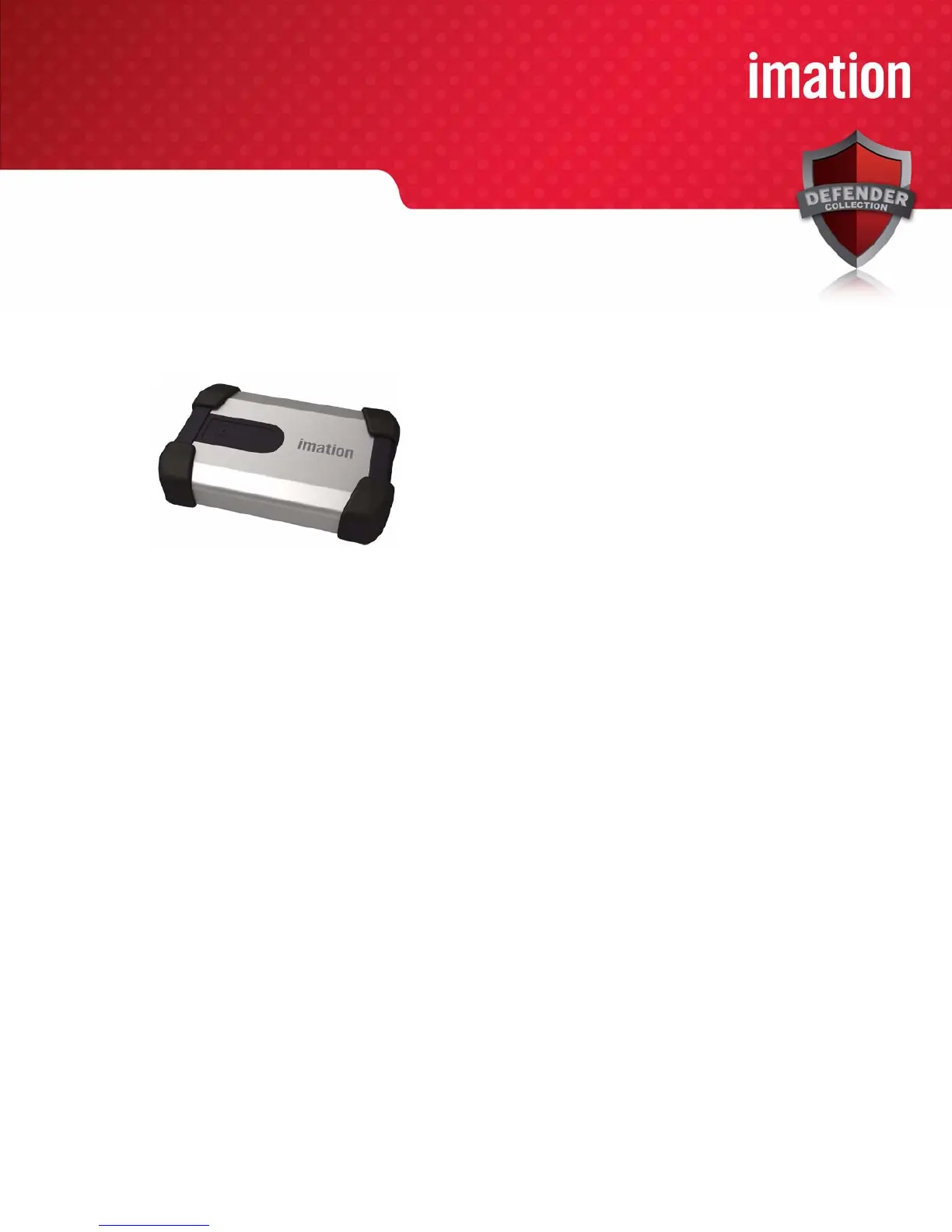
Defender™ H100 is a USB (Universal Serial Bus) portable hard drive with built-in password security, data
encryption, digital identity, and cryptographic services.
Figure 1: Def
ender H100
This guide is designed to help you set up your Defender H100 device with minimal effort.
MINIMUM SYSTEM REQUIREMENTS
Defender H100 comes with built-in Imation Defender ACCESS Standard™ software on its application partition.
The following list describes the requirements you need to use your device with ACCESS Standard.
• One or two USB ports (Type A), depending on the power available from your computer
• An operating system that supports USB 2.0 or 1.1 Mass Storage Devices
Operating systems
•Microsoft Windows 7 Pro
• Windows Vista (Business, Enterprise, Home SP2)
• Windows XP Professional SP3
• Windows XP Professional SP2
• Windows XP Home SP3
• Mac OS X 10.5 and 10.6
DEVICE ACCESSORIES
Your Defender H100 package includes a dual-head USB cable. For information on how to use this cable, see
“Plugging in the device” on page 4. Defender H100 gets the power it requires from your computer when you
connect it to the USB port(s) on your system. An external power supply is not provided or required.



 To Next Page