5
• Password Re-use Threshold: 3
•User Rescue: Enabled
•Data Destruction: Off
• Administrator Account: Enabled
2. Cr
eating the Administrator account—Only the Administrator can perform certain operations on a device,
such as adding, removing, and rescuing users. During the personalization process, the Administrator
account is created automatically when you set the Administrator password. If you choose a Custom pro-
file and disable the Administrator account, you will not be pr
ompted to provide an Administrator pass-
word. In this case, you cannot create the account at a later time.
It is very important that you memorize the Adminis
trator password or store it in a safe place.
3. Cr
eating users—Depending on the device profile, you can create one or more general users on the device.
To personalize the device
1. Plug the de
vice into the USB port of the computer. For more information, see “Plugging in the device” on
page 4.
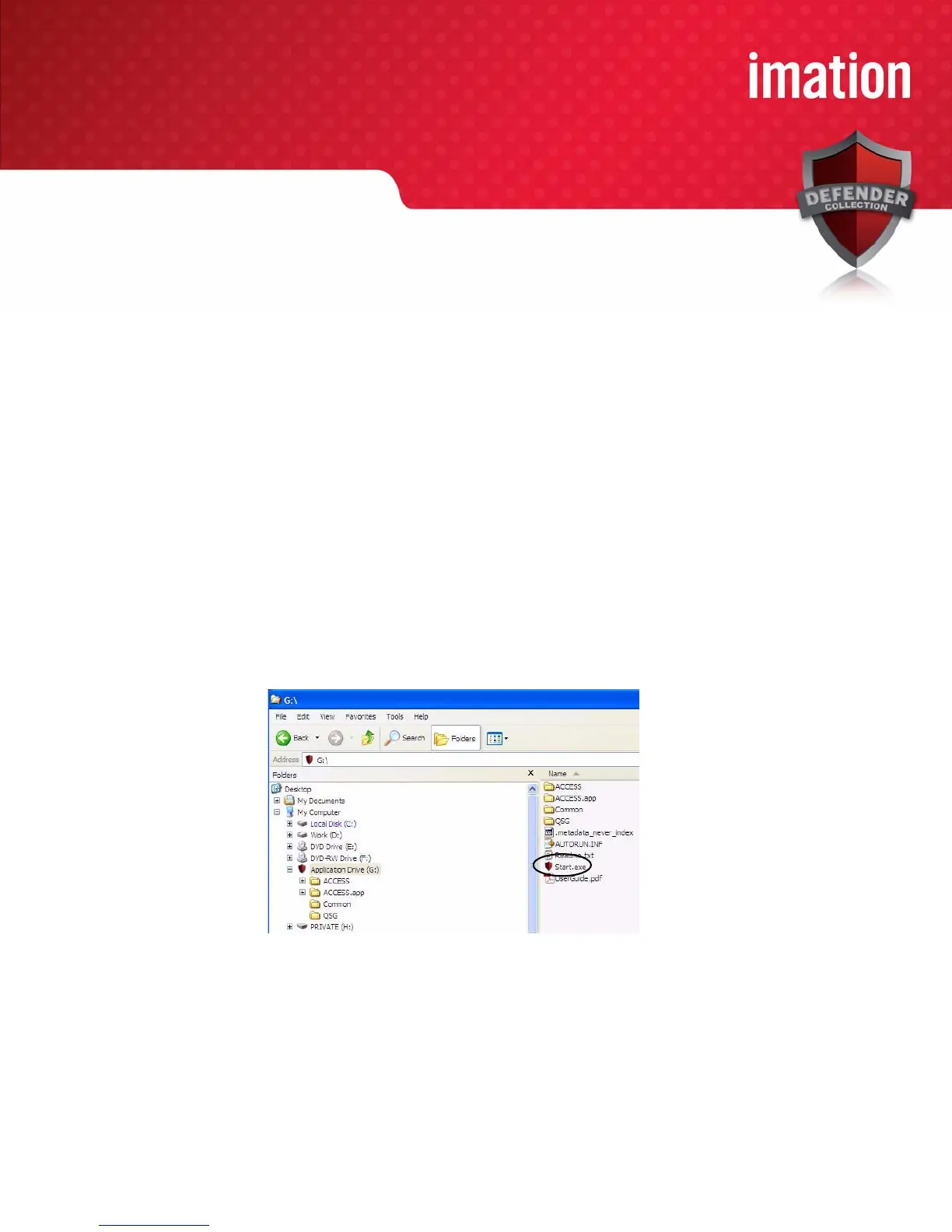
If Autorun does not automatically start ACCESS Standard, double-click the St
art.exe file from the root
directory on the application partition. (If necessary, in the notification area at the far right of the taskbar,
click the Imation Defender icon, and then click Personalize from the menu.)
2. On the main
page of ACCESS Standard, click Personalize Device.
3. On the
Device Personalization page, click one of the device profile options.
4. C
omplete the instructions on the pages that follow to set the Administrator password (if applicable) and
create a user.
Note 1: If y
ou do not complete the personalization process you may have to repeat some of the above steps
the next time you connect the device. For more information about the personalization process, see the
ACCESS Standard User Guide.



 To Next Page