16
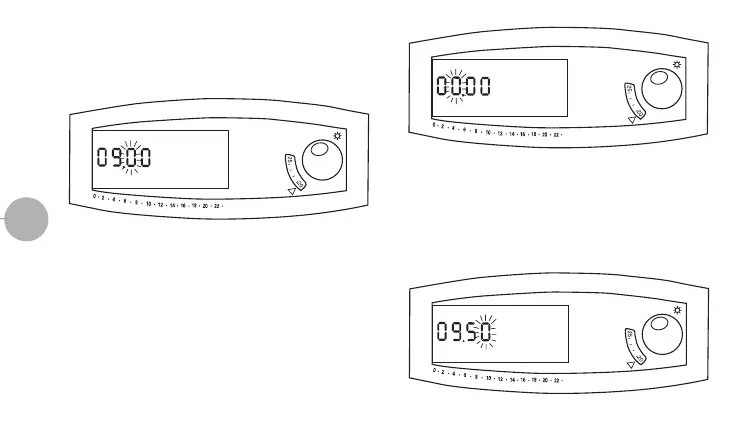
blink) (fig.3).
• Switch the micro-switch “
5” to set the third digit on the display
(the fourth digit will blink) (fig.4).
• Switch again the micro-switch “
5” to set the fourth digit on the
display, thus completing the MINUTE setting. The current time
is now displayed.
NOTE:
- When the CLOCK SETTING procedure is completed or in
case it is not completed within 10 minutes from start-up,
the thermostat will automatically start the “OVERRIDE”
mode (shown by a blinking “F”, “T1” and the “hours/tem-
perature chart” on the display), assuring the working at
NORMAL temperature “T1”(“sun”knob) (fig.5).
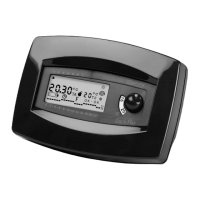
(fig.2)
(fig.3)
(fig.4)
LIBR. DUO PLUS INGLESE standard 24-01-2000 14:46 Pagina 17


 To Next Page