30
STMiN3E ed 09/11 MINI NIKE 3 E
Technical DocumentationTechnical Documentation
Operating mode
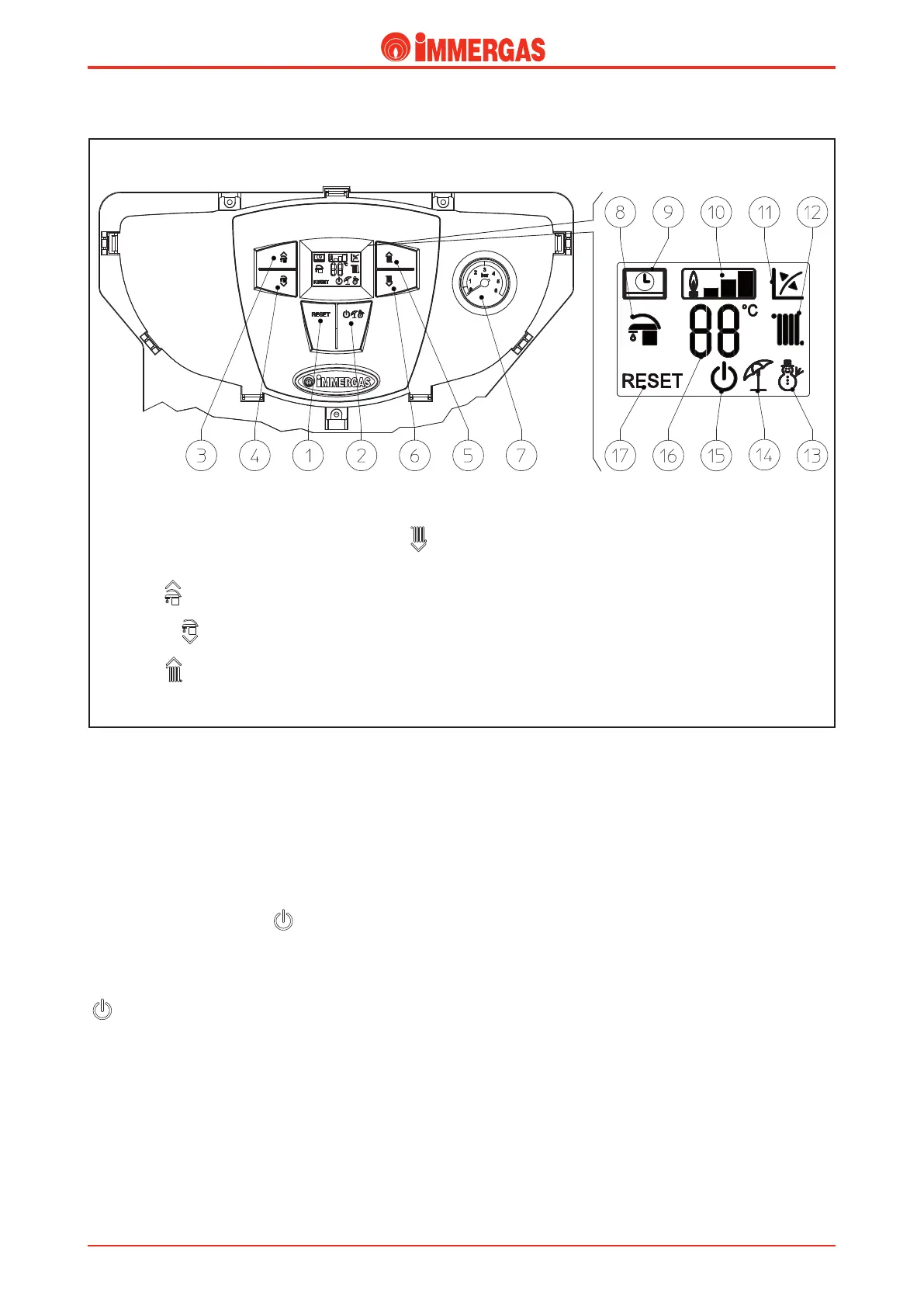
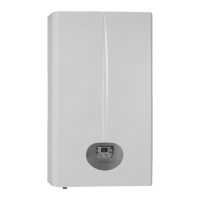
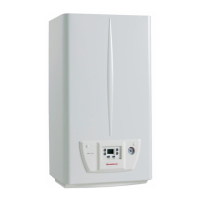
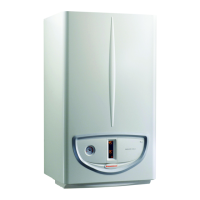
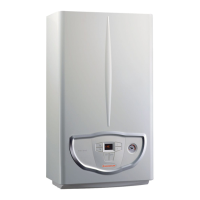
e boiler is supplied with a control panel (where the buttons
and temperature selector switches used to control the boiler and
set the temperature are positioned) and a display that shows the
appliance's functioning mode and status.
By pressing the general button (2), the boiler changes its mode
status from Stand-by to On (Summer or Winter).
In Stand-by the P.C.B. safety features are active, such as
antifreeze, for example.
By holding general button 2 ( ) down for 8 seconds the
boiler will go into O status.
In this status the P.C.B. is fully deactivated, including the
safety features.
To go back to Stand-by you need to press general button 2
( ).
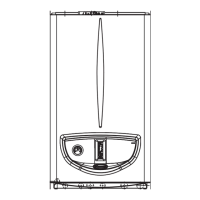
Key:
1 - Reset Button
2 - Stand-by / O / Summer / Winter
button
3 - Key ( ) to increase
the domestic hot water temperature
4 - Button ( ) to reduce
the domestic hot water temperature
5 - Key ( ) to increase the system
water temperature
6 - Key ( ) to reduce the system water
temperature
7 - Boiler manometer
8 - DHW production phase function
active
9 - Boiler connected to remote control
(optional)
10 - Flame presence symbol and relative
output scale
11 - Operation with external temperature
probe active (optional)
12 - Central heating room phase function
active
13 - Operation in winter mode
14 - Operation in summer mode
15 - Boiler in Stand-by mode
16 - Temperature and error code display
17 - Boiler in block does not require
release via “Reset” button





 To Next Page