10
INSTALLATORUSER
MAINTENANCE TECHNICIAN
2.5 USING THE BOILER.
Before ignition, make sure the heating system
is lled with water and that the manometer (7)
indicates a pressure of 1 ÷ 1.2 bar.
- Open the gas cock upstream from the boiler.
- Press the button (2) until the display switches
on, aer which press the button in sequence
(2) and take the boiler to the summer ( )
or winter ( ) position.
• Summer ( ): in this mode the boiler func-
tions only to produce the DHW, the tempera-
ture is set via the buttons (3-4) and the relative
temperature is shown on the display via the
indicator (16).
• Winter ( ): in this mode the boiler functions
both for producing domestic hot water and
heating the environment. e temperature of
the DHW is always regulated via buttons (3-4),
the heating temperature is regulated via buttons
(5-6) and the relative temperature is shown on
the display via the indicator (16).
From this moment the boiler functions auto-
matically. With no demand for heat (heating or
domestic hot water production) the boiler goes to
“standby” function, equivalent to the boiler being
powered without presence of ame. Each time
the burner ignites, the relative ame present sym-
bol is displayed (10) with relative power scale.
• Operation with Comando Amico Remoto
remote control
V2
(CAR
V2
) (Optional). If the
CAR
V2
is connected, the ( ) symbol will
appear on the display. e boiler regulation pa-
rameters can be set via the CAR
V2
control panel
and the reset button (1) remains active on the
boiler control panel, along with the switch-o
button (2) (“o” mode only) and the display
where the functioning state is shown.
Important: if the boiler is put into “o” mode
on the CAR
V2
the “CON” connection error
symbol will appear on the CAR. e CAR
V2
is
however powered constantly so as not to loose
memorised programs.
• Functioning with optional external probe
( ). In the case of a system with optional
external probe, the boiler ow temperature for
room central heating is managed by the exter-
nal probe depending on the external tempera-
ture measured (Par. 1.8). e ow temperature
can be modied by selecting the functioning
curve via buttons (5 and 6), selecting a value
from “0 to 9” (Fig. 1-5).
With external probe present, the relative
symbol will appear on the display (12). In the
central heating phase, if the temperature of the
water contained in the system is sucient to
heat the radiators, the boiler can only function
with the activation of the pump.
• “Stand-by” mode. Press button (2) in suc-
cession until the ( ) symbol appears. e
boiler remains active from this moment and the
anti-freeze function, pump anti-block function
and 3-way and signalling of any anomalies is
guaranteed.
N.B.: in these conditions the boiler is consid-
ered still live.
• “O” mode. By holding the button (2) down
for 8 seconds, the display switches-o and the
boiler is o completely. e safety functions are
not guaranteed in this mode.
N.B.: in these conditions the boiler is consid-
ered still live even if there are no functions
active.
• Display functioning. e display lights up dur-
ing the use of the control panel, aer 15seconds
inactivity, the brightness drops until just the
active symbols are displayed. e lighting mode
can be varied via parameter P2 in the circuit
board customisation menu.
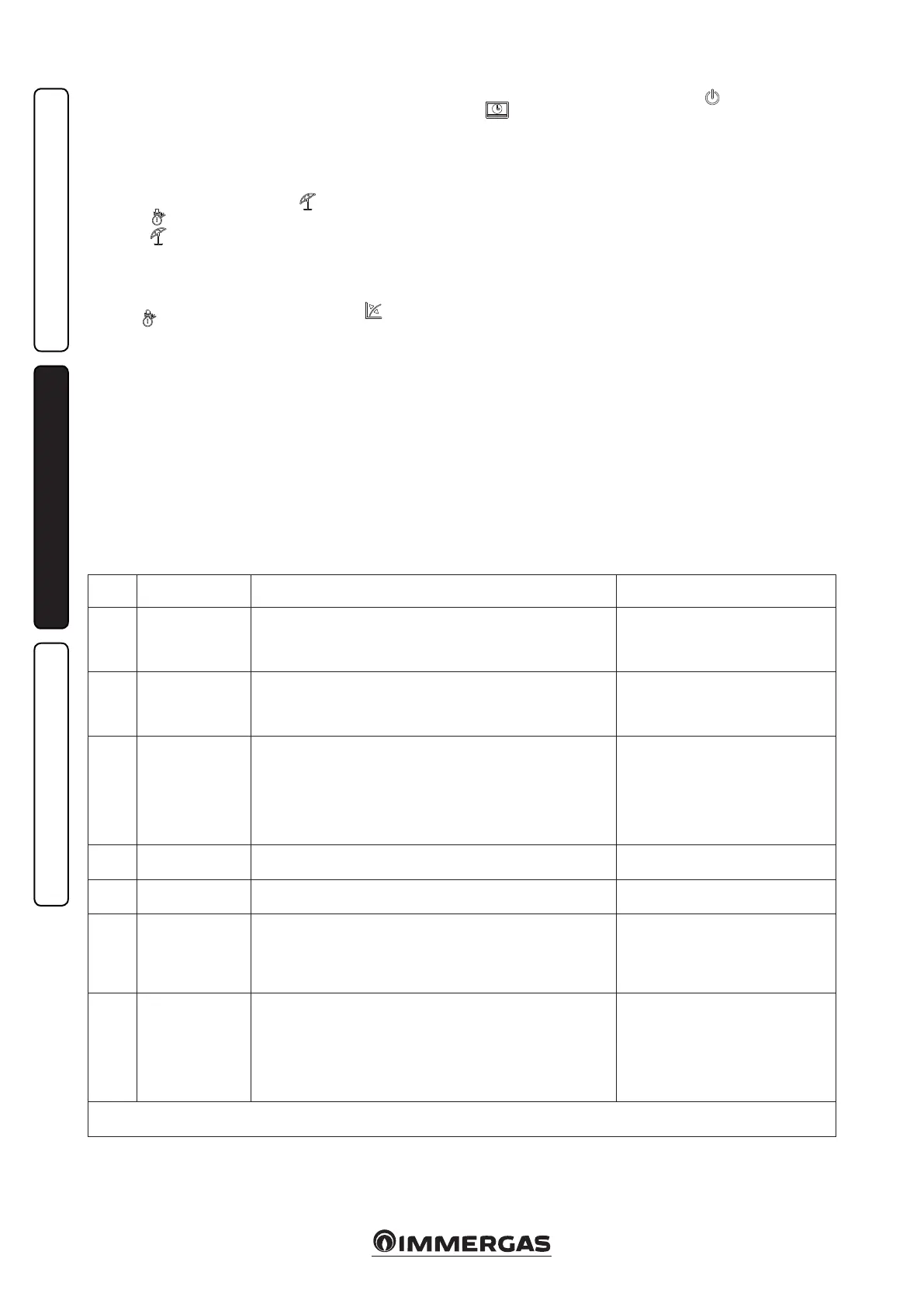
2.6 TROUBLESHOOTING.
e boiler signals out anomalies by ashing on
the display and relative error codes, listed on the
table, are displayed. On any remote control, the
error code will be displayed by the same numeric
code displayed according to the following exam-
ple (e.g. CAR
V2
= Exx).
Error
Code
Anomaly signalled Cause Boiler status / Solution
01 No ignition block
In the event of request of room central heating or domestic hot water
production, the boiler does not switch on within the preset time. Upon
appliance commissioning or aer extended downtime, it may be neces-
sary to eliminate the block.
Press the Reset button (1)
02
Safety thermostat
block (overheat-
ing), ame control
anomaly
During normal operation, if a fault causes excessive overheating internally,
the boiler goes into overheating block.
Press the Reset button (1)
03
Flue safety thermo-
stat anomaly
e fume evacuation pipe does not function correctly.
e boiler goes into stand-by for 30
minutes, aer which, if normal work-
ing conditions are restored, it re-starts
without having to be reset. In the case
of 3 consecutive blocks, the boiler itself
blocks and it must be reset in order to
re-start. (1)
04
Generic boiler
P.C.B. anomaly
Incorrect recognition of a signal by the boiler board microprocessor. Press the Reset button (1)
05
Flow probe
anomaly
e board detects an anomaly on the ow probe. e boiler does not start (1)
06
Domestic hot water
probe anomaly
e board detects an anomaly on the domestic hot water probe.
The anomaly is indicated, the boiler
continues to produce domestic hot water
but not with optimal performance. If an
anomaly occurs, antifreeze protection is
not guaranteed (1)
08
Maximum N° of
resets
Number of allowed resets that have already performed.
Attention: the anomaly can be reset 5 con-
secutive times, aer which the function is
inhibited for at least one hour. One attempt
is gained every hour for a maximum of 5
attempts. By switching the appliance on and
o the 5 attempts are re-acquired.
(1) If the shutdown or fault persists, contact an authorised company (e.g. Authorised Technical Aer-Sales Service).
(2) Error codes over 31 are not shown on the CAR
V2
display.


 To Next Page
 Loading...