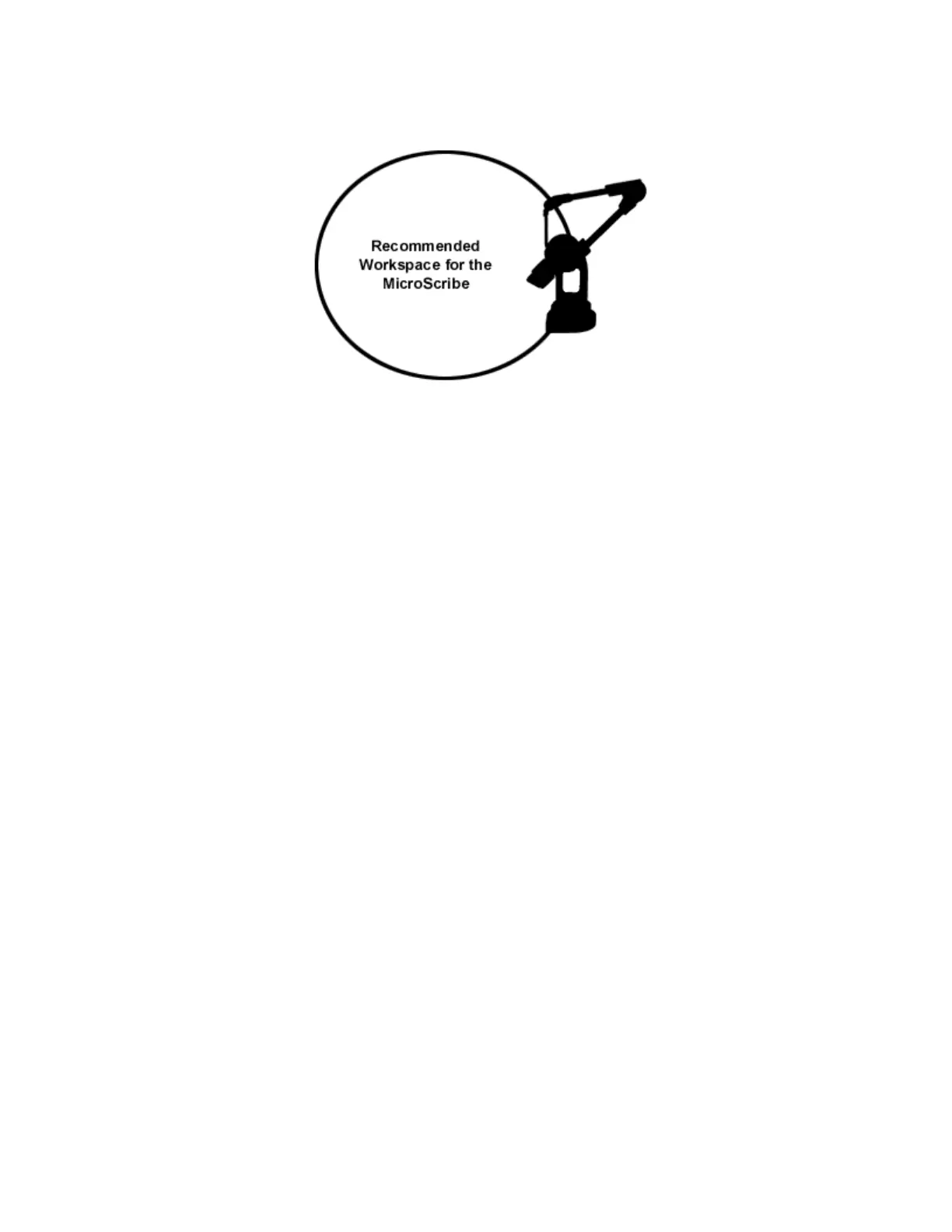
Figure 8 - The recommended workspace for the MicroScribe.
We suggest that you work on one side of the unit, with the center of your workspace about
halfway from full extension of the arm.
Bolting the MicroScribe down (optional)
The MicroScribe G2 is designed to sit securely on a flat, rigid surface. You may also mount it
rigidly to your work surface by using a single bolt (size 3/8 – 16) inserted through your work
surface up through the center of the MicroScribe base. Be sure that the bolt you use does not
extend too far into the MicroScribe. The bolt used should extend NO MORE than ½” (1.25 cm)
from the surface to which the MicroScribe is being mounted. Longer bolts could interfere with
internal electronics and damage the system. In other words, the bolt length should be the
thickness of the surface you are mounting to plus up to ½” (1.25 cm) to attach to the MicroScribe.
Do NOT bolt the MicroScribe down to an electrically conducting surface unless that surface is
grounded and not subject to electrical interference or noise. You may also use a large tripod
mount, as the threading on the mounting hole should correspond to standard tripod mounts.
Changing Stylus Tips (optional)
Should you need to replace the digitizing tip which screws into the end of the stylus, simply
remove it by unscrewing it counterclockwise. Only the silver portion of the tip can be removed. Be
sure that when you replace the tip that it is tightened firmly enough to avoid coming loose during
use.
Replacement tips and alternate tips are available directly from Immersion Corporation or an
authorized reseller. Please contact Immersion for details.



 To Next Page