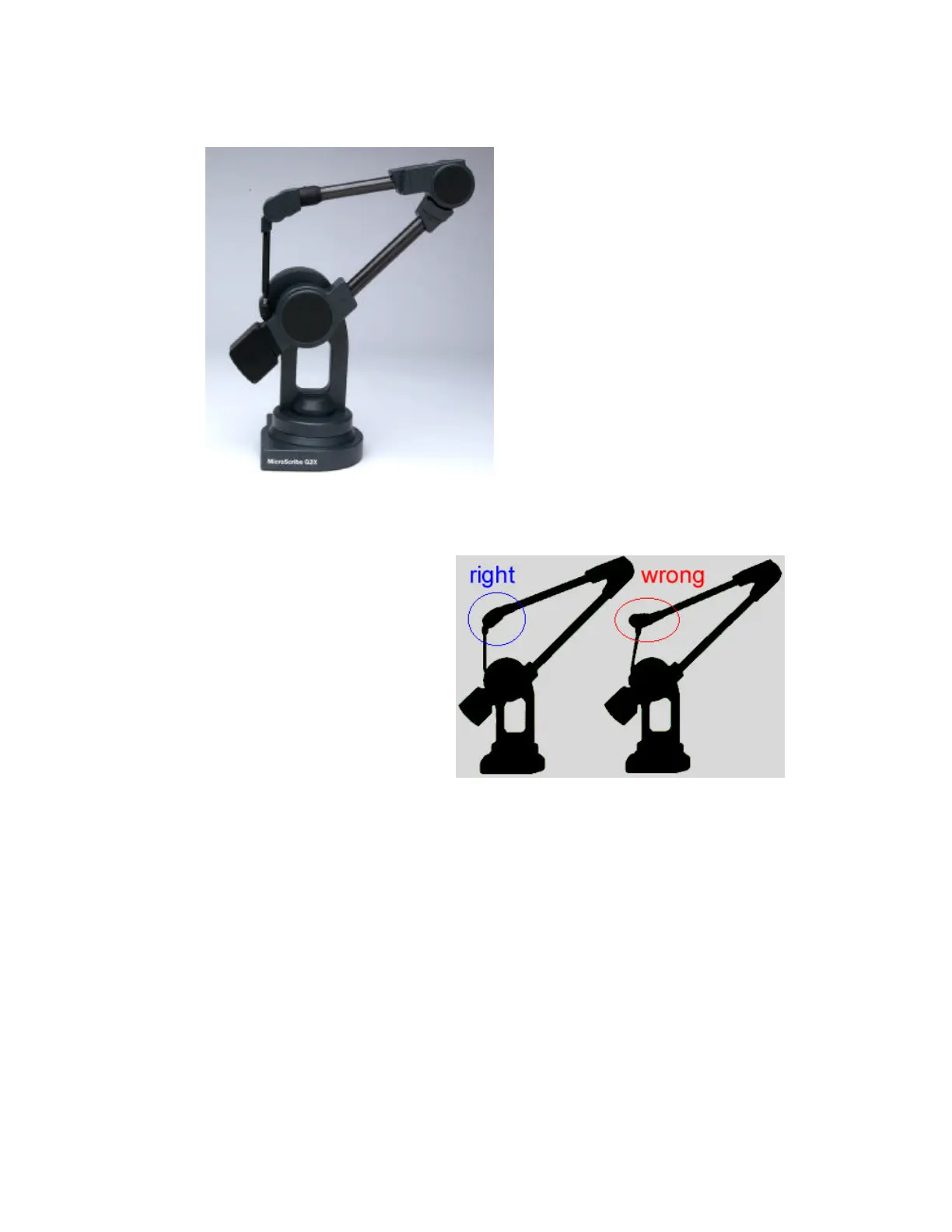
Figure 4 – The MicroScribe in the Home
Position.
4. Set the base of the digitizer on a
hard flat surface (not on carpet
or fabric).
Place the stylus into the resting
hole on the MicroScribe. This
position is referred to as the
“Home Position.” See Figure 4.
Note that the stylus can only
insert one way into the retaining
socket. If you find that the stylus
is unable to reach the hole, do
not try to force it in. Twist the
final joint element in the
direction opposite to the hard
stop until the stylus can be
inserted.
On G2L and G2LX models, it is
possible to place the stylus in its
holder with the wrist roll joint 180
degrees out of proper alignment - this
will result in the stylus being at a
slightly non-perpendicular angle
relative to the desktop.
To correct this, remove the stylus
from its holder, spin it 180 degrees,
and place it back in the stylus holder.
Figure 5 – On G2L and G2LX model
MicroScribes it is possible to twist the
stylus in the home position.
Once the MicroScribe is securely in its home position, remove all of the other system
components from the packaging.



 To Next Page