CHAPTER 2 - Getting Started with the MicroScribe™ G2
®
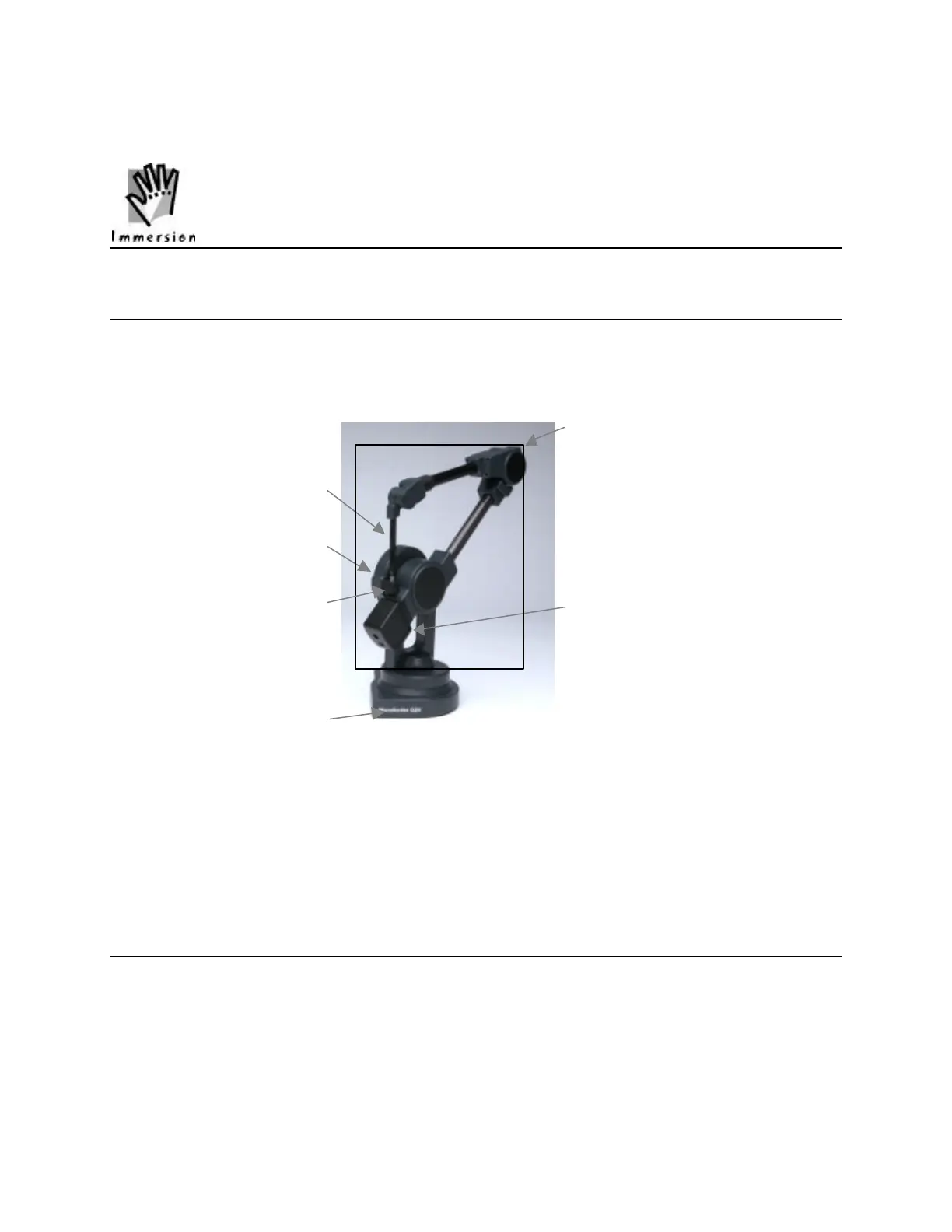
The MicroScribe™ G2: Overview
Congratulations on your purchase of the MicroScribe™ G2 digitizing system. The MicroScribe G2
enables you to digitize 3-dimensional objects quickly and easily. Parts of the MicroScribe and
important features are labeled in Figure 2.
Digitizing Arm
Stylus
Shoulder Upright
Stylus Holder
Counterweight
Base
Figure 2 - Guide to MicroScribe Anatomy.
This chapter provides all of the information you will need to connect and begin using the
MicroScribe G2. Please read this section before unpacking your system to make sure that the
unit is handled correctly.
Unpacking and Assembly
Your MicroScribe G2 is a precision instrument and has been packed carefully to protect the
calibrated electronic and mechanical components. Due to shifting during shipment, we ask that
you take extra care when removing the MicroScribe G2 and accessories. We recommend you
unpack the MicroScribe G2 according to the instructions in this section.



 To Next Page