8
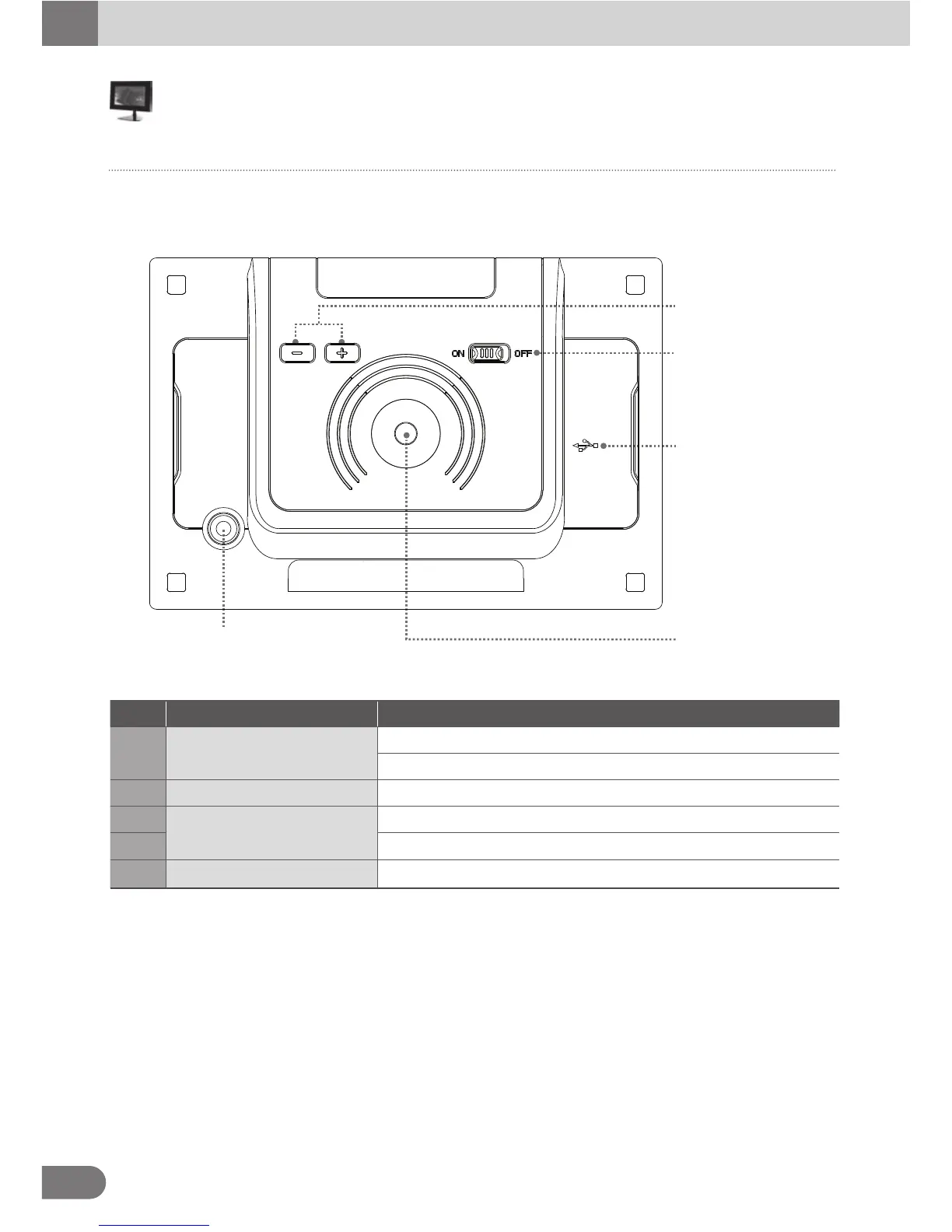
The back of the product
It describes the appearance and the name of each part.
Some differences in appearance and function might occur depending on the model
Identify each part
① Brightness
Control Button
② USB Slot
④ Stand Joint
③
Stand Joint
⑤ Power Switch
No. Name Description
1 Brightness Control Button
2 USB Slot
[ + ] Set Brightness up.
[ - ] Set Brightness down.
Connect monitor to PC by using USB Cable.
3 Swivel type stand joint.
4 Stick type stand joint.
5 Switch the power on or off
Stand Joint
Power Switch



 To Next Page