9
AT-7 User Guide
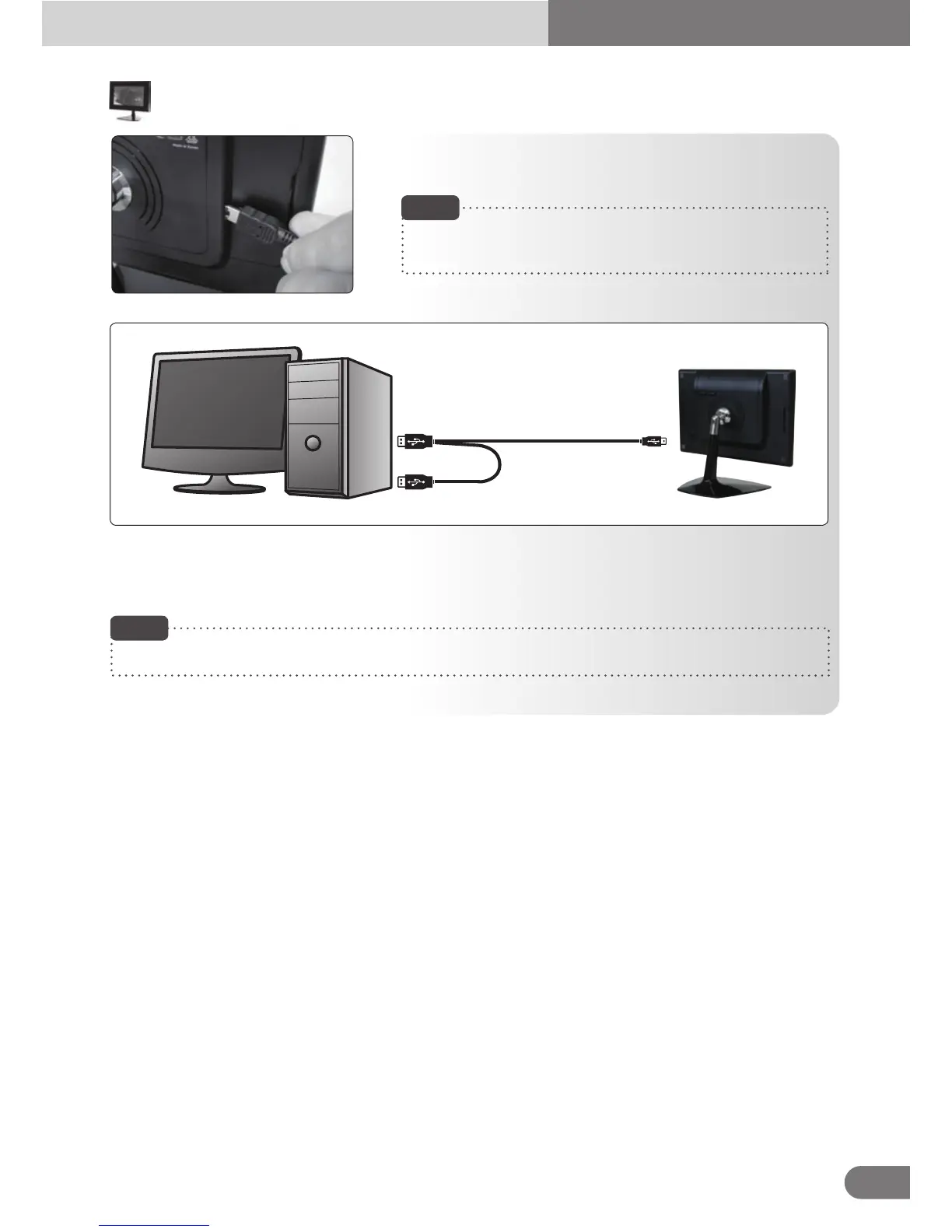
When connecting the USB cable to the PC’s USB port, connect [A] part to the PC and [C] part to
the device. Connect [B] part to the PC’s other USB port when there when there is insufficient
power supply from only one USB connection.
Connect the USB cable to the PC’s USB port and to the
device.
Note
Make sure that the PC’s power is turned off when connecting
the cable.
A
C
B
Making connecting to your PC
This product is powered by USB cable only.
Note



 To Next Page