Operation Manual
E
58
6. OPERATION
In MP3 Play mode:
10. Shows the current MP3 status.
11. Shows the progress bar for play mode
12. Artist name
13. Song titel
14. Album titel
15. Shows the current play status
16. Shows the current play mode status
6.2 Station selection
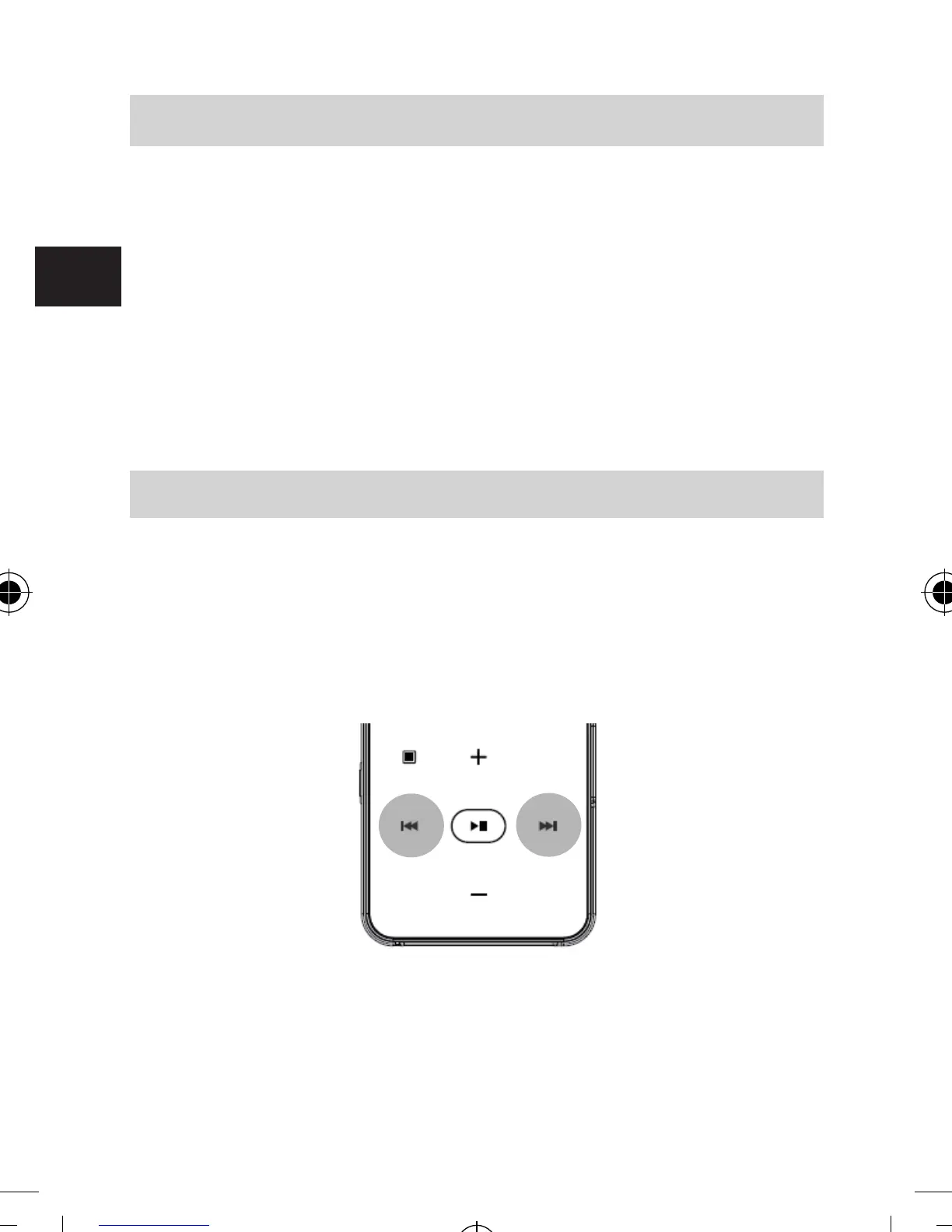
With the station selection keys 3 / 6 you can select a radio
station that was found during the automatic channel search.
Holding this keys pressed for 2 seconds, you can select a
radio station, stored in the preset list.
(Please see chapter 6.6. also)
bda_Dabman 2_DIN A 7_D_E_F_10_17.indd 58 15.01.18 08:47







 To Next Page