73
72
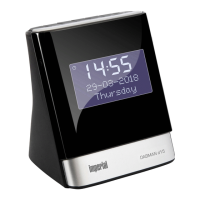
IMPERIAL DABMAN d20
E
1. Telescopic antenna
2. Power supply connection
Use this to connect the device to the power unit
(included).
3. Headphone jack
Insert headphones here to listen to the music
played back from the radio through your headphones.
If headphones are connected, music playback via the de-
vice's speakers is interrupted.
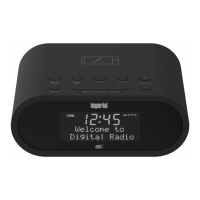
4. Charging area to wirelessly charge a
mobile phone.
Place your mobile phone on the indicated area on
the radio to charge your phone without using wires.
The mobile phone must support a QI wireless charging
function. If necessary, please also read your mobile
phone’s
user manual.
5. Alarm
In the radio’s DAB or FM mode, press this button to set
an alarm time 1 or 2.
In radio standby mode, press this button to enable or dis-
able alarm 1 or 2.
4. OVERVIEW OF OPERATION ELEMENTS


 To Next Page