77
76
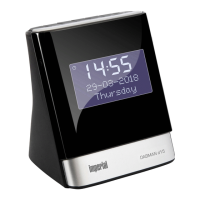
IMPERIAL DABMAN d20
E
As a standard, the stations are listed in
numerical and alphabetical order.
NOTE!
The DAB radio station list is saved, so that a scan is only
necessary the first time you switch on your radio.
A further scan can be repeated via the menu. This may
become necessary when moving
the location of the radio.
5. Briefly press the tune- or
tune + button to scroll through the available
stations.
6. Once the desired station is displayed
that you would like to listen to,
briefly press the select button.
That station is then played.
5.2. Change volume
Press the VOL+ button to increase the volume.
Press the VOL- button to decrease the volume.
5.3. Time and date
When you listen to a DAB radio station for the first time,
the time and date are synchronised and displayed
correctly. Therefore it is usually not necessary to manu-
ally set the time and date.
5. FIRST STEPS AND START-UP


 To Next Page