79
78
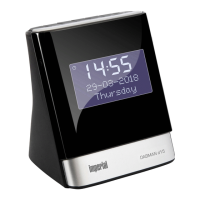
IMPERIAL DABMAN d20
E
day will flash.
Use the tune- and tune + buttons
together with the select button to adjust
the current day.
Proceed in the same manner to set the
month and year.
Once you have confirmed your entries with the Select
button, the radio will return to the display
<Set Time/Date>.
5.4. Time and date format
You can change the date format and how the time is dis-
played.
You can choose between displaying the
date as DD-MM-YYYY and MM-DD-YYYY.
You can choose between displaying the
time in 24 hr or 12 hr format.
Choose the line
<Set the date format>
and press the Select button.
Use the tune- and tune + buttons
together with the select button to adjust
the date format.
Choose the line <set 12/24 hours> and press the Select
button.
5. FIRST STEPS AND START-UP


 To Next Page