89
88
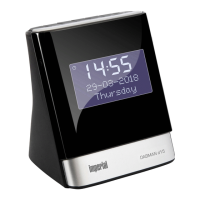
IMPERIAL DABMAN d20
E
7.6. Accessing FM stations in the stations list
To call up a saved radio station in the
stations list, proceed as follows:
1. Press and hold the Menu/info button
to open the menu options.
2. Briefly press the tune+ button to
proceed to the <select station>
stations. To confirm, press the select
button.
3. The preset station <x> is shown
incl- name or frequency.
4. Briefly press the tune- button or
tune +, to switch to a preset station
that you would like to listen to.
5. To confirm, press the select button.
The radio station is played.
If no FM station is stored under the preset number
<empty> is shown.
7.7. FM Display Information
When listening to a FM station, you can change the
information shown on the
display.
Briefly press the Menu/Info button to receive informa-
tion about the station.
There are various types of information
7. FM RADIO FUNCTION


 To Next Page