95
94
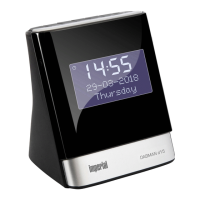
IMPERIAL DABMAN d20
E
5. Select a desired time after which
the display goes dark.
6. Choose the <on> line if the display is to shine
permanently.
7. Confirm using the Select button.
9.2. Factory setting
You can reset all the settings you have made on the
radio back to the factory settings.
This is useful if you have made changes that have
resulted in the device not functioning
optimally.
1. Press and hold the Menu/info button to
open the menu options.
2. Briefly press the tune- tune + button to
proceed to <system>. Confirm with the
Select button.
3. Briefly press the tune+ button to
scroll to <factory settings>.
Confirm using the Select button.
4. Briefly press the tune+ button to
proceed to <Yes> if you wish to return to the
factory settings.
9. SETTINGS


 To Next Page