Cheetah Pregius Camera with Camera Link – User Manual
July 6, 2018 Page 23 of 64 Rev 1.1
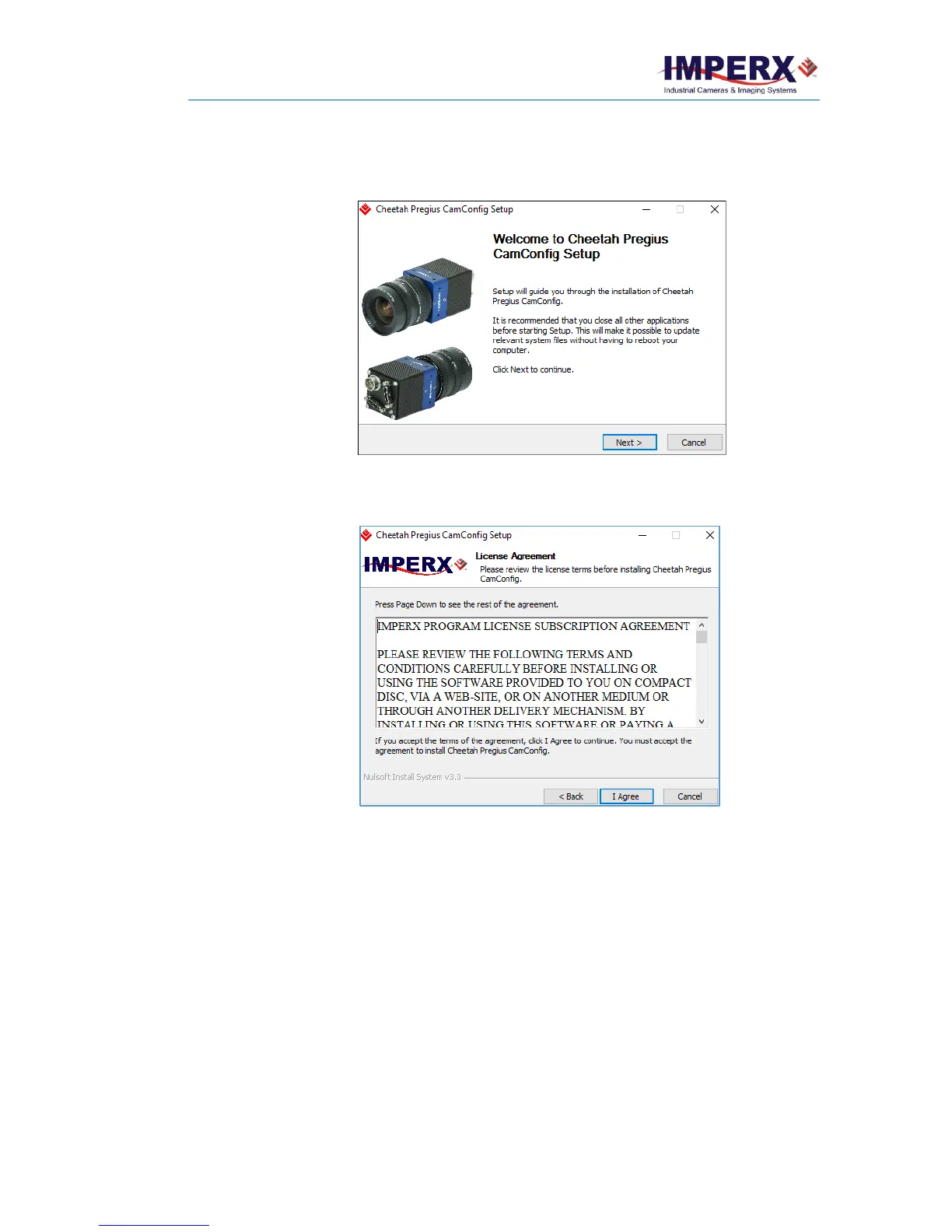
1. Double click the executable file (Cheetah_Pregius_1_0_5_xxxx.exe) on your
desktop. The Welcome Setup screen opens. Note the recommendation to close
other applications and then click Next.
2. When the License Agreement screen appears, read the agreement and click I
Agree.
3. On the Choose Components screen, make sure the Cheetah Pregius
CamConfig component is selected and then click Next.



 To Next Page