Cheetah Pregius Camera with Camera Link – User Manual
July 6, 2018 Page 40 of 64 Rev 1.1
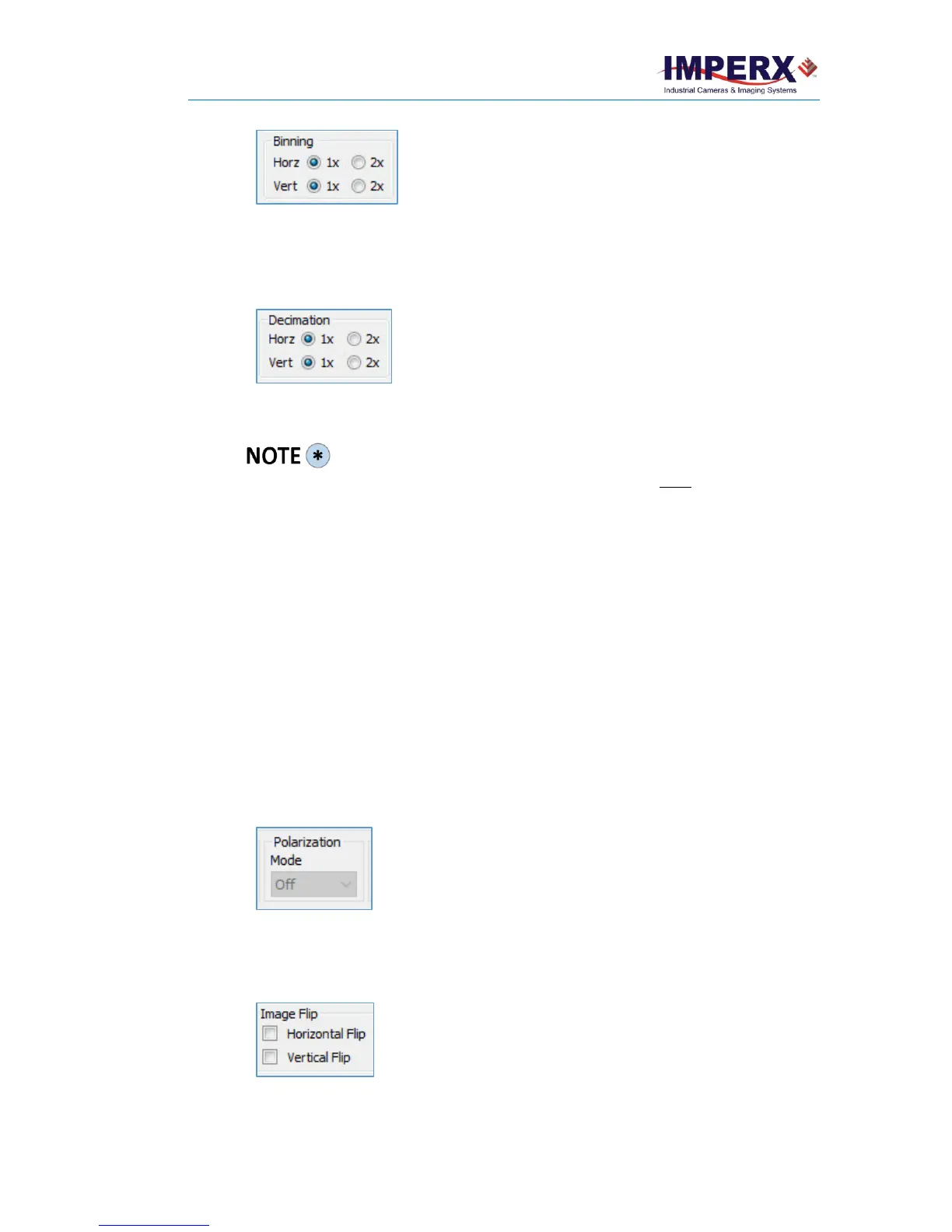
• Horizontal. Select radio button 2x to enable horizontal
binning (1x is no binning).
• Vertical. Select radio button 2x to enable vertical binning
(1x is no binning).
• Horizontal. Select radio buttons 2x to enable horizontal
decimation (1x – no image change).
• Vertical. Select radio buttons 2x to enable vertical
decimation (1x – no image change).
The C2420Z camera does not support subsampling.
If planning to use both Binning and an Area of Interest (AOI), you must set up binning
before defining the AOI.
After activating Binning and AOI, if you want to change the CMOS A/D Bits settings, use
the following procedure:
1. Turn off Binning and AOI.
2. Set Binning by clicking 2x for both horizontal and vertical.
3. Set the AOI horizontal and vertical sizes.
4. Select a new CMOS A/D Bits. Options are 8 bits, 10 bits, or 12 bits.
3.9.5 Polarization Mode – C2420Z Camera
Polarization mode activates the polarization capabilities of the C2420Z camera. The
camera’s micro-polarized sensor has a 2x2 pixel sub-array where each pixel blocks a
different polarization filter angle (0, 45, 90 or 135 degrees). The camera produces a
resolution of 1232 x 1028 per polarization angle.
To activate polarization, select one of the following filter angles:
• Horizontal. Select the check box to enable the horizontal flip.
• Vertical. Select the check box to enable the vertical flip.



 To Next Page