Cheetah Pregius Camera with Camera Link – User Manual
July 6, 2018 Page 37 of 64 Rev 1.1
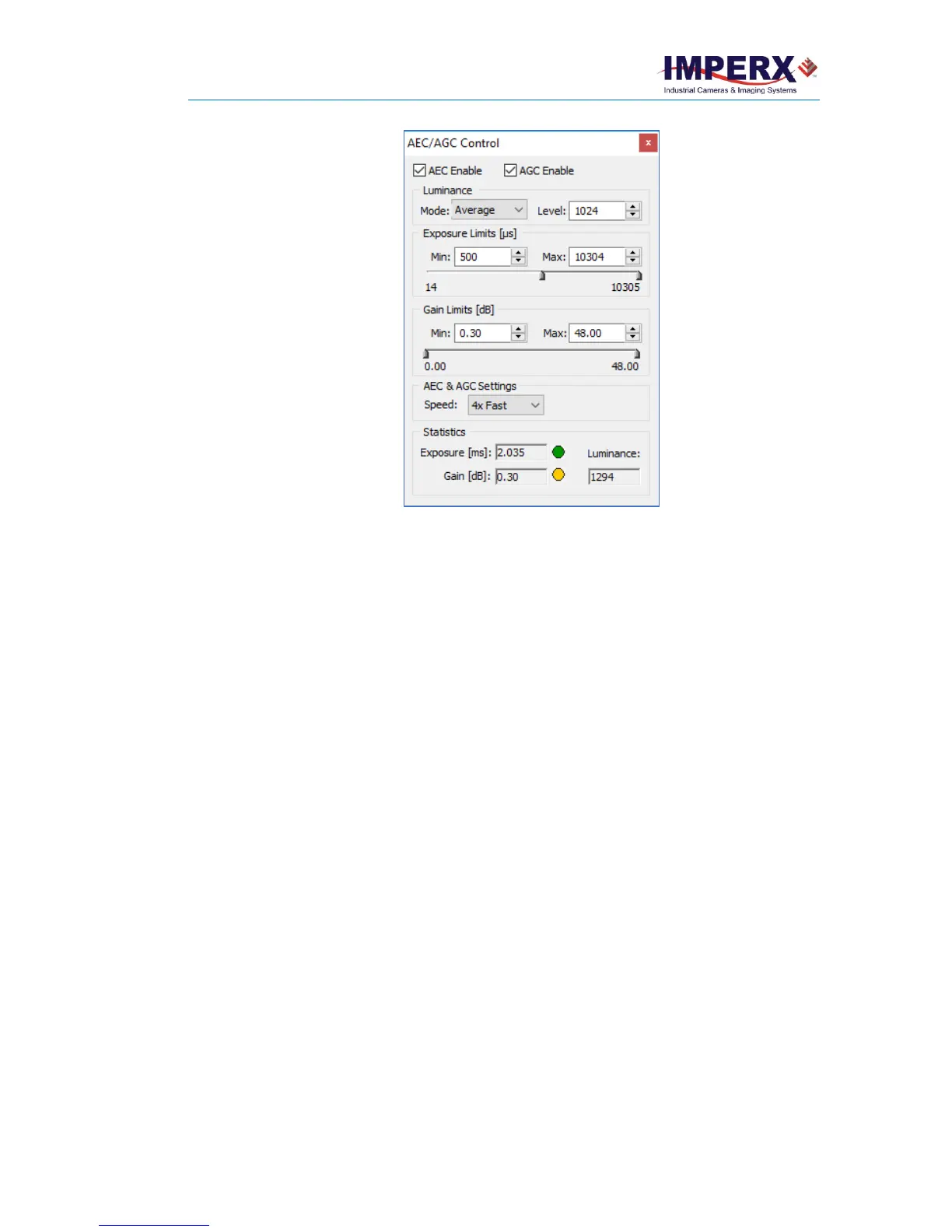
Figure 28: AEC/AGC Control.
AEC Enables and AGC Enables: Select the check box(es) to enable AEC, AGC, or both.
Luminance: Sets the desired luminance level to be maintained in the image. Two options
are available: Average and Peak. Enter a desired luminance value in counts for either
selection.
• Average. The camera calculates the average value of the image luminance within
the image and compares that value to the value entered in the Limit field to
determine changes to the exposure/gain settings.
• Peak. The camera calculates the peak luminance value (maximum luminance
level) within the image and compares that value to the value entered in the Limit
field to determine changes to the exposure/gain settings.
Exposure Limits: Enter a minimum and a maximum limit. For example, if motion capture
is important, specify a short maximum exposure to avoid motion blur. Exposure Limits
range from 25 microseconds to a maximum limit of one frame time. Generally, the
minimum exposure limit should be set to a minimum of 30 microseconds to avoid control
loop oscillations when the scene illumination changes suddenly.
Gain Limits: Sets the minimum and maximum gain limits. Gain Limits range from Min: 0
dB to Max: 48 dB.
AEC & AGC Settings: Sets the camera’s exposure correction speed during AGC/AEC.
Options are: 01x speed (slow), 2x speed, 3x speed, and 4x speed (fast).
Statistic: Provides live information about the current value of the Exposure time, Gain, and
Luminance. The values are refreshed every time polling is done.



 To Next Page