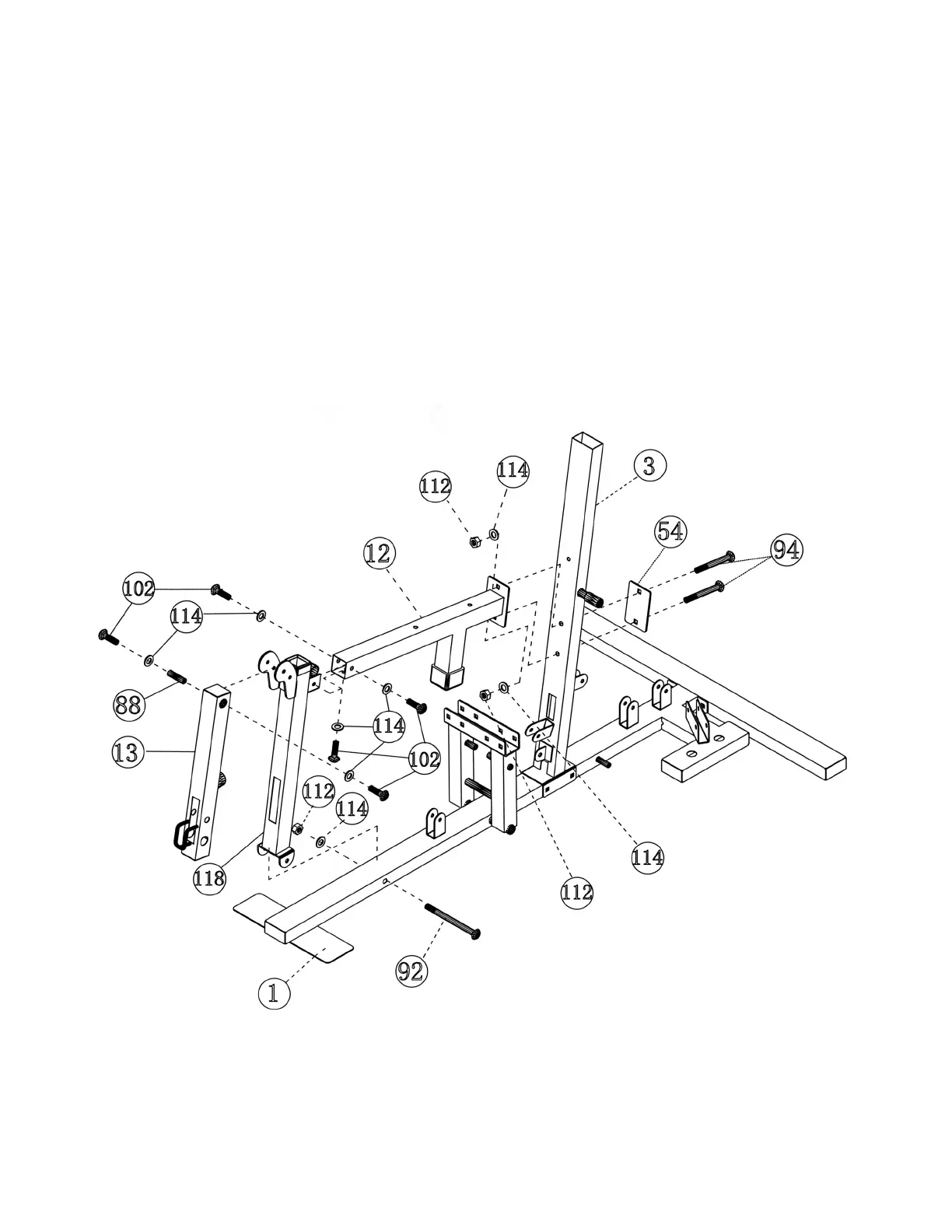
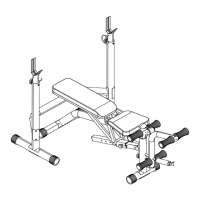
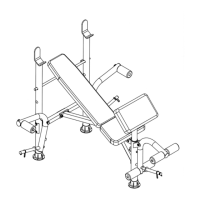
STEP 3 (See Diagram 3)
A.) Attach the Seat Support (#12) to the Leg Developer Holder (#118). Secure it with three M10
x 5/8” Allen Bolts (#102) and ∅ ¾” Washers (#114).
B.) Attach the Leg Developer Holder (#118) to the Base Frame (#1). Secure it with a M10 x 3 ¾”
Carriage Bolt (#92), ∅ ¾” Washer (#114) and M10 Aircraft Nut (#112). Attach the other end
of Seat Support (#12) with bracket to the Front Vertical Beam (#3). Attach the 4 5/8” x 3”
Bracket (#54) to the back of Front Vertical Beam (#3). Then Secure the Vertical Beam with
two M10 x 2 3/8” Carriage Bolts (#94), ∅ ¾” Washers (#114), and M10 Aircraft Nuts (#112).
NOTE: Make sure the Bench Press is in front of the stopper underneath the Seat Support.
C.)
Attach the Leg Developer (#13) to the bracket on top of the Leg Developer Holder (#118).
Insert a M10 x 2 1/8” Leg Developer Axle (#88). Secure it with two M10 x 5/8” Allen Bolts
(#102) and ∅ ¾” Washers (#114). Securely tighten all the nuts and bolts previously
installed.
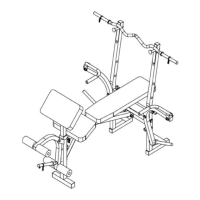
DIAGRAM 3
6




 To Next Page