16
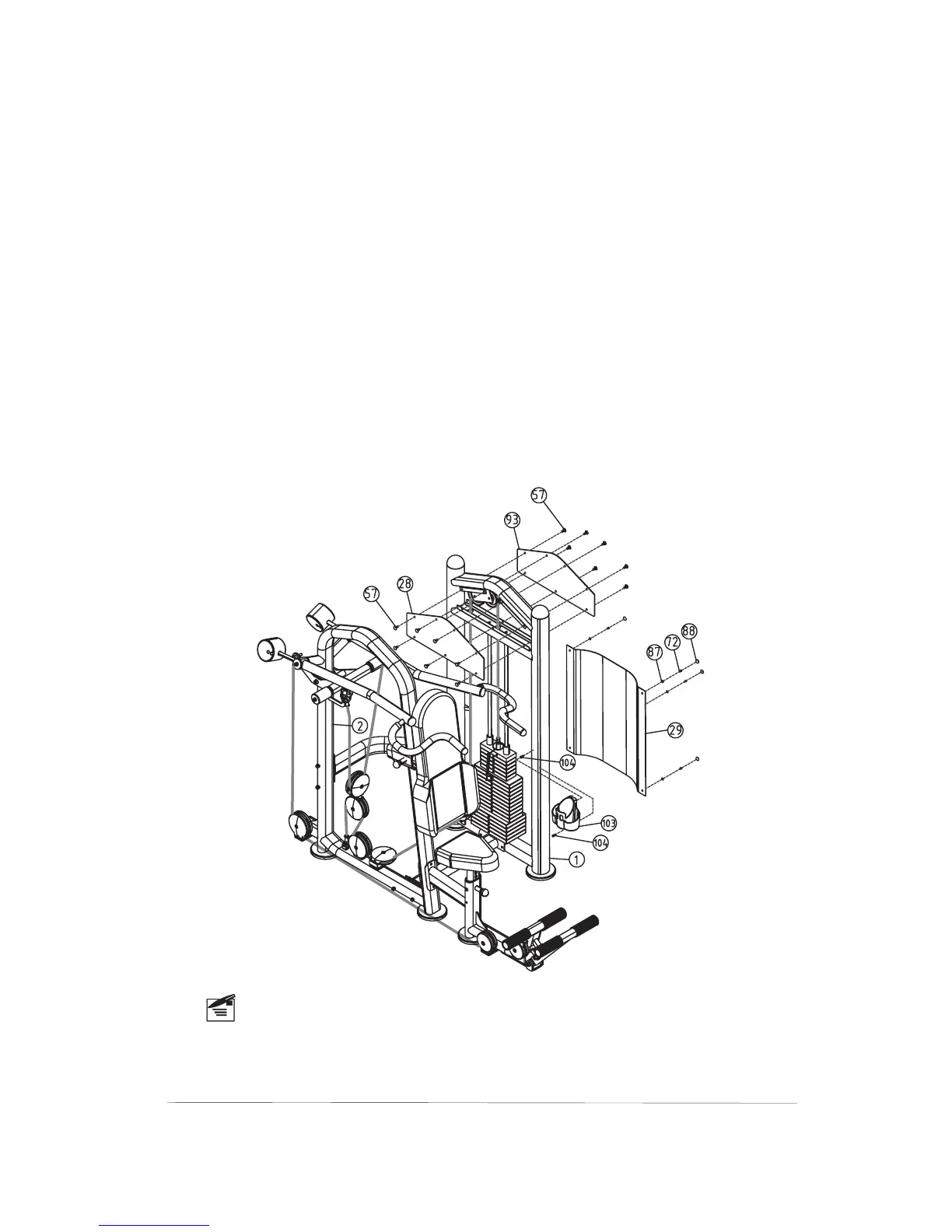
Step10 Assemble The Decal Plates
Note
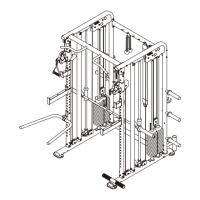
1)Attach the two Decal Plates(#93,#28) to the Main Up-
right(#1) using:
2)Attach the Weight Shroud (#29)to the Main Upright(#1)
using:
3
fourteen Butttons(#57)
four Bolt Covers(#88)
four Plastic Washers(#87)
four Screws(#72) M5×10
)Attach the Plastic Cap(#103) to the Main Upright(#1)
using:
two Screws(#104) M6×15
The Front Decal Plate(#28) with the exercise inst -
ctions printed on it should be attached in the front
of the Main Upright(#1).
For a safe exercise,you need make the unit steady
by adjusting the Adj.foot plates.
ru



 To Previous Page