8
EN
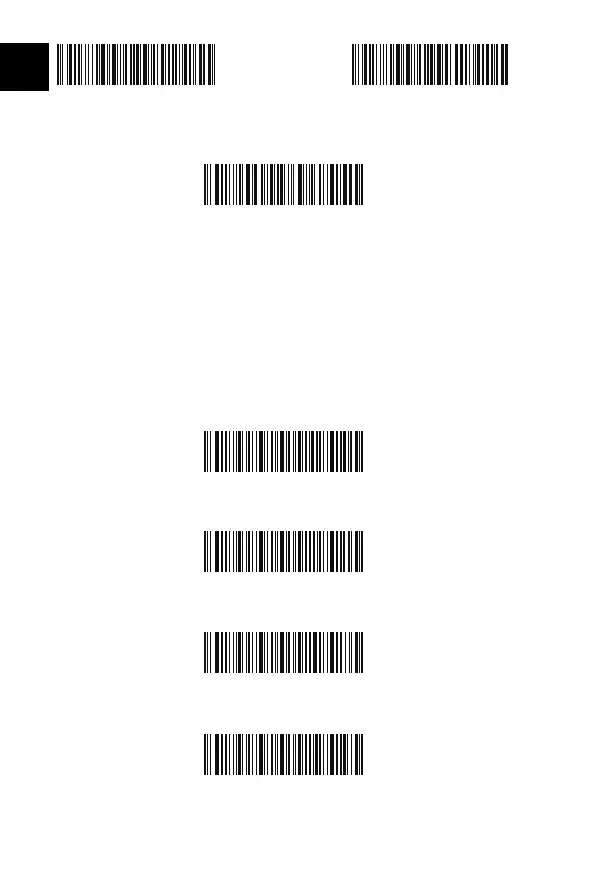
8 digits 9 digits
4.Scan “Exit with Save” Barcode to end the setting
Exit with Save
Enter Inventory Mode
(*)Return to Common Mode
Clear Data in Buer(for Inventory Mode only)
Data Upload (for Inventory Mode only)
Note: Refer to the setting of “delete 0 digit character” if no character should be
deleted.
Inventory Mode
Users may use inventory mode to keep scanned barcodes in the buer of Inateck
BCST-60, and upload them to computer in batches. Under inventory mode users are
not restricted to the time and location when upload data. Of course, history data can
be cleared in buer. More details about inventory mode are as below.
1. Scan the barcode to enter Inventory Mode
2. Scan the barcode to return to Common Mode
3. Scan the barcode to clear data in buer (for Inventory Mode only).
4. Scan the barcode to upload data from buer (for Inventory Mode only)



 To Next Page