2
EN
Use of Inateck BCST-60
Startup
Note:
1) Inateck BCST-60 will start sleep mode if there is no operation on it over 3 minutes.
Short press on the trigger can wake it up.
2) When the distance between Inateck BCST-60 and its adapter exceeds the eective
range, scanned data will be kept in the buer of Inateck BCST-60. Quickly double
press on the trigger can upload data from buer.
Wireless Mode:
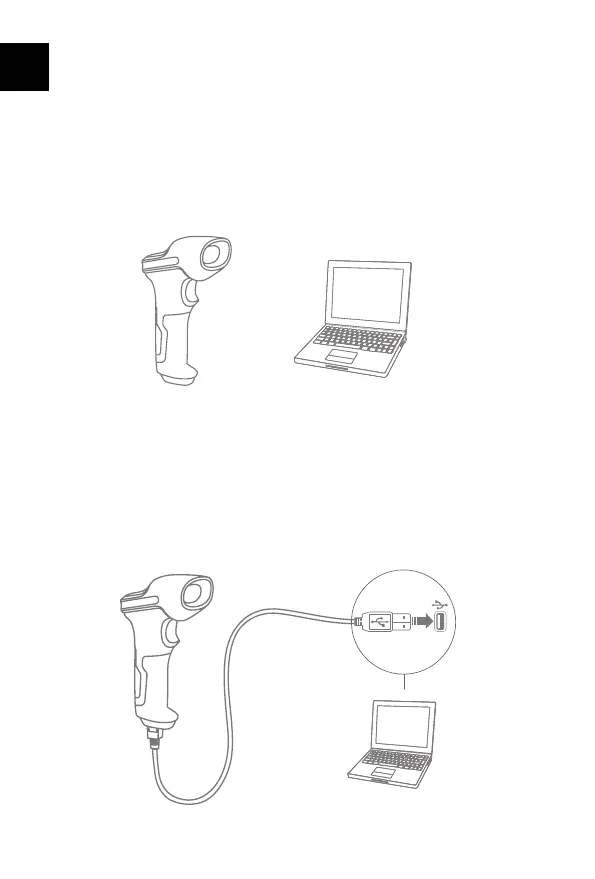
1. Insert the 2.4G USB adapter into the USB port of computer.
2. Power on Inateck BCST-60 by toggling switch from OFF to ON. Short press the
trigger to emit red laser beam and scan barcodes.
3. Open a le on computer and move cursor to the blank where scanning output
should be placed. Scanning results can be displayed on computer then.
Wired Mode:



 To Next Page