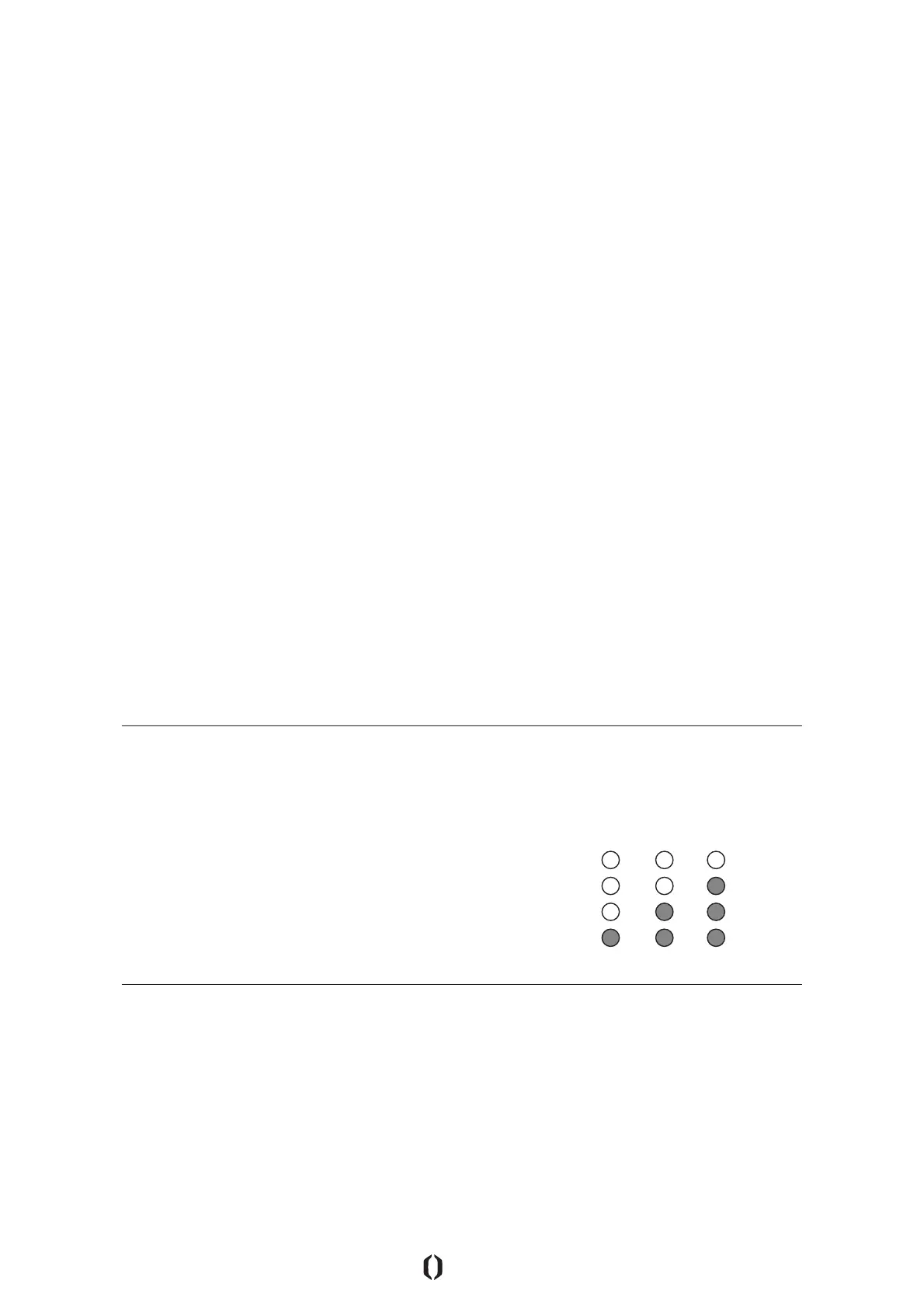
The Inboard M1 has dierent riding modes that can be easily accessed. We
built the riding modes to accommodate dierent levels of rider experience.
All M1’s ship in Beginner mode, to give everyone the easiest learning curve.
You can easily change the M1 through the RFLX Remote of the Inboard Vision
Mobile App.
1. Beginner Mode (DEFAULT):
• Maximum speed of 5 mph / 8 kph
• Acceleration curve - Moderate
• Braking - Standard
2. Intermediate Mode (MAX IN GERMANY):
• Maximum speed of 14 mph / 22 kph
• Acceleration curve - Standard
• Braking - Standard
3. Advanced Mode:
• Maximum speed of 20 mph / 32 kph
• Acceleration curve - Maximum
• Braking - Maximum
Changing Modes with the RFLX Remote:
• Press Power Button 3 times.
• Audible beep will sound. Status LEDs will illuminate according to
current mode.
• Repeat until you are in your desired mode.
Changing Modes with the Inboard Vision Mobile App:
• Open the app.
• Make sure your app is paired with the M1.
• Click on the “MODE” section on the home screen of the Vision App.
• Across the bottom of the app are the mode selector buttons. Select
your desired mode and click DONE.
The M1 will remember your chosen mode after it has been turned o, even if
the PowerShift Battery has been removed.
M1 RIDING MODES
| 13
Beginner
Intermediate
Advanced
NOTE: In order to change modes, the M1 must NOT be moving.
WARNING: More advanced modes will have more aggressive braking and acceleration. Always
accelerate and brake GENTLY, until you are accustomed to the new mode settings.



 To Next Page