14 15
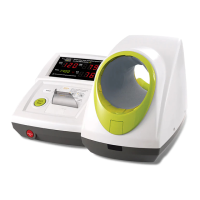
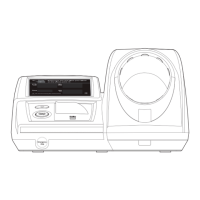
3) Blood Pressure Monitor
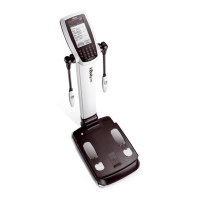
The blood pressure values measured by the blood pressure monitor are sent to InBody970 when it is connected to
InBody970.
* Please make sure to connect only the BPBIO Blood Pressure Monitor series provided by InBody.
* If you select the type of Result Sheet at "13.Outputs/Interpretations for Result Sheet" in Setup in Administrator Menu and then select
blood pressure in the sub options, then you can print the blood pressure value on the InBody Result Sheet.
❶
Turn off InBody970.
* When InBody970 is already turned on, the blood pressure monitor might not properly connect.
❷
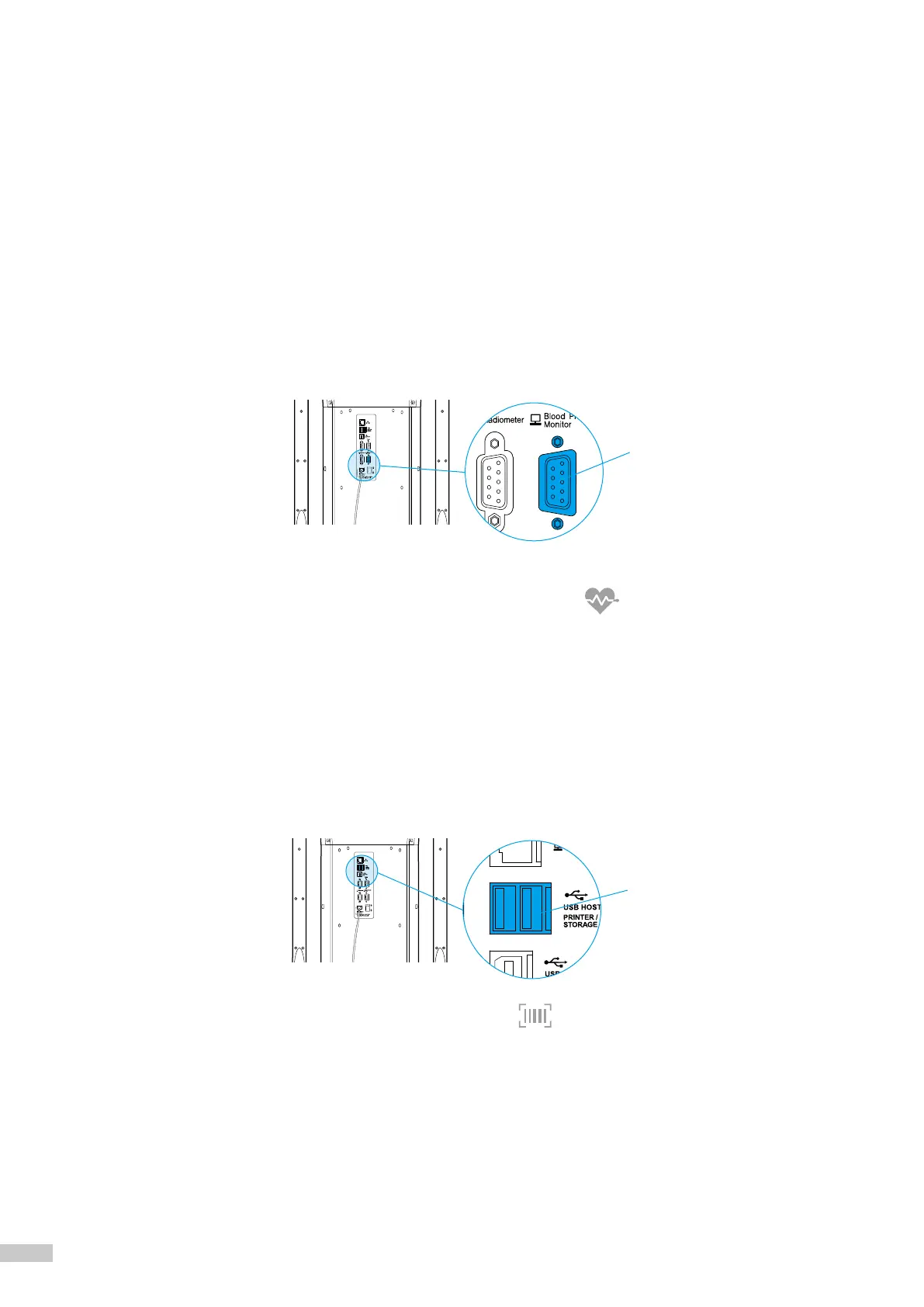
Connect the serial cable supplied with the blood pressure monitor to the Blood Pressure Monitor 9-pin serial
terminal on the rear of InBody970. Connect the other end of the cable to the serial terminal of the blood
pressure monitor.
❸
Turn on the blood pressure monitor.
❹
Turn on InBody970. When the blood pressure monitor is connected, ( ) icon will be displayed in the upper
left of the test standby screen.
4) Barcode Reader
The ID will be inputted automatically if a barcode reader is connected to the InBody970.
* If barcode reader is not recognized, please contact InBody Customer Service.
❶
Turn off InBody970.
* When InBody970 is already turned on, the barcode reader might not properly connect.
❷
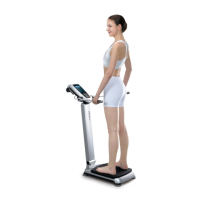
Connect the USB cable of the barcode reader to the USB HOST port on the rear of the InBody970.
❸
Turn on InBody970. When the barcode reader is connected, ( ) icon will be displayed in the upper left of the test
standby screen.
USBHOST
PrinterPort
BloodPressureMonitor9-pin
SerialTerminal



 To Next Page